
Your work does not have to start again. Here is what opens where.
| Your project from | Opens in |
|---|---|
| The Print Shop 8 | The Print Shop 9 (Deluxe and Professional) |
| The Print Shop 23 and 24 | The Print Shop 9 (Deluxe and Professional) |
| PrintMaster v8 Platinum | PrintMaster 2027 (Deluxe and Professional) |
Other older versions are not listed because they have not been checked. If you have projects to keep, ask us before you buy.
In The Print Shop 9
- On the Home window, under Open a file, choose Print Shop 23 or 24 file... for Classic files, or From this computer... for Print Shop 8 projects.
- Pick the file and choose Open. It opens as a new project; if anything could not be converted, a short message lists it.
- Click into the text to carry on editing, then Save as a new project.
Classic folded cards open as the flat printed sheet rather than as fold panels.
In PrintMaster 2027
- On the Home window, under Open a file, choose Older PrintMaster file... and pick your PrintMaster v8 Platinum project.
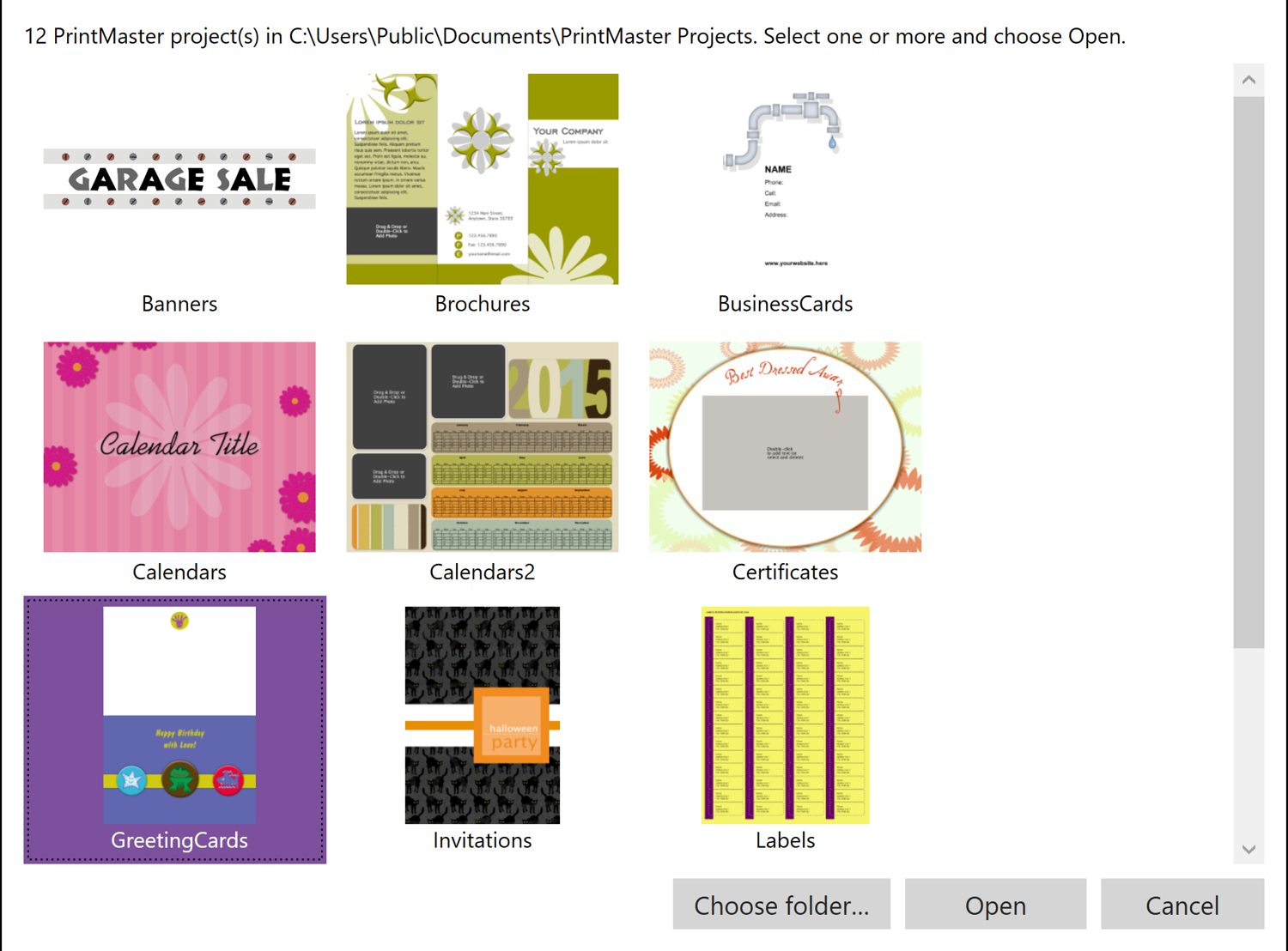
- Or use File and the import command to see a list of the projects in your PrintMaster Projects folder, each with a preview.
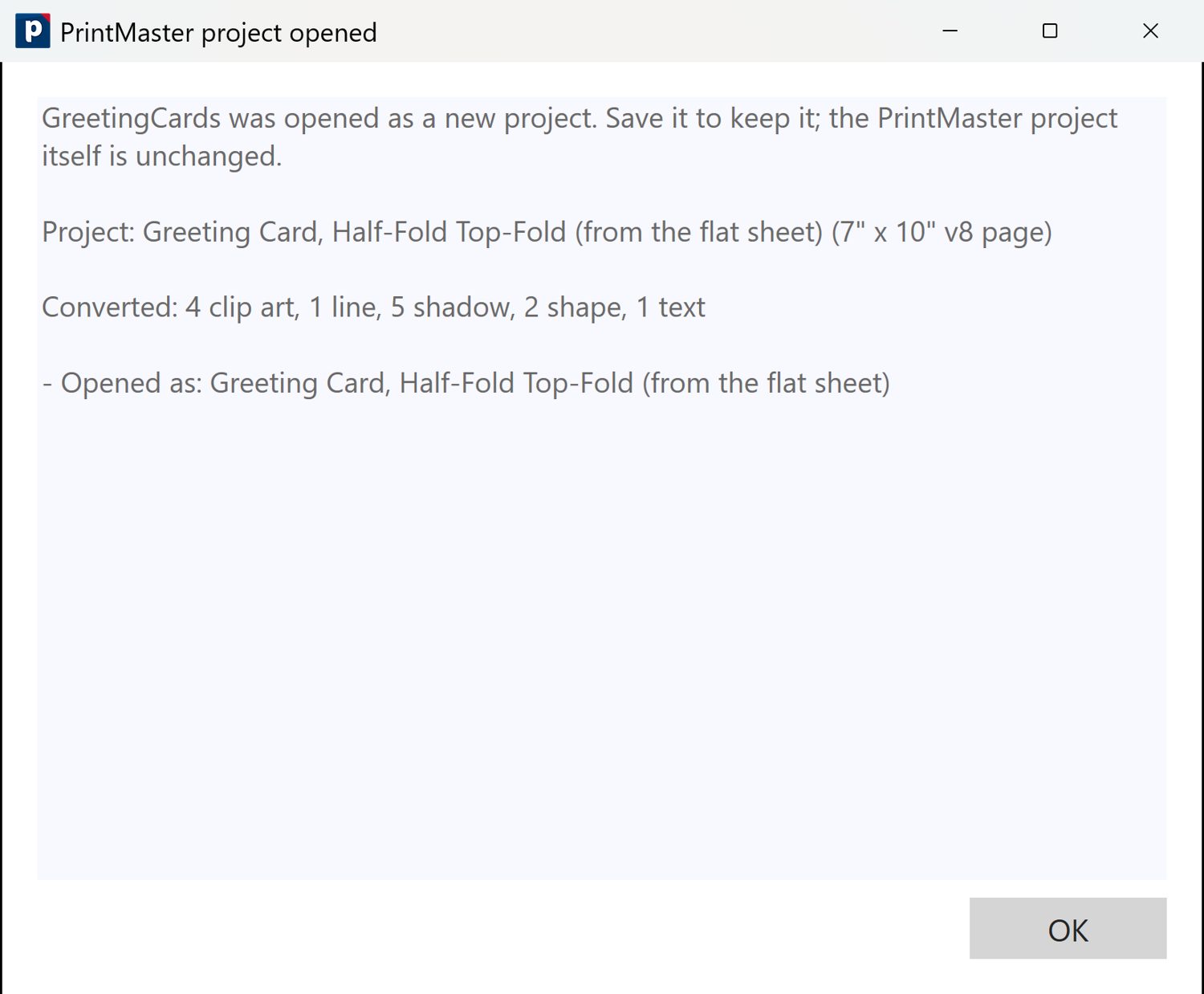
- A "PrintMaster project opened" report tells you what was converted. The original project is not changed; save the new copy to keep it.
QA before publish: compat tests ran on the RC2 line (PS8 15/15, Print Shop 23.1-era 71/72 with 1 partial, Print Shop 24 22/22, PrintMaster v8 13/13 and 37/37 templates), not re-run on 9.0.0.7. PM2027 File menu may still say "Open The Print Shop 23 Project" and the v8 dialog title says "v8 or v7": check before screenshots of the File menu. No v7, v9, v10, PrintMaster 2022 claim.
The live printmaster.com ideas page says PrintMaster 8-18.1 projects open in The Print Shop 24: that claim was withdrawn from the collateral as unverified, so it is deliberately not repeated. Source: "Opening the PrintMaster projects you made years ago", blog "Backing Up and Importing files..." (2021-01-29), video scripts PS9-04 and PM27-01.