
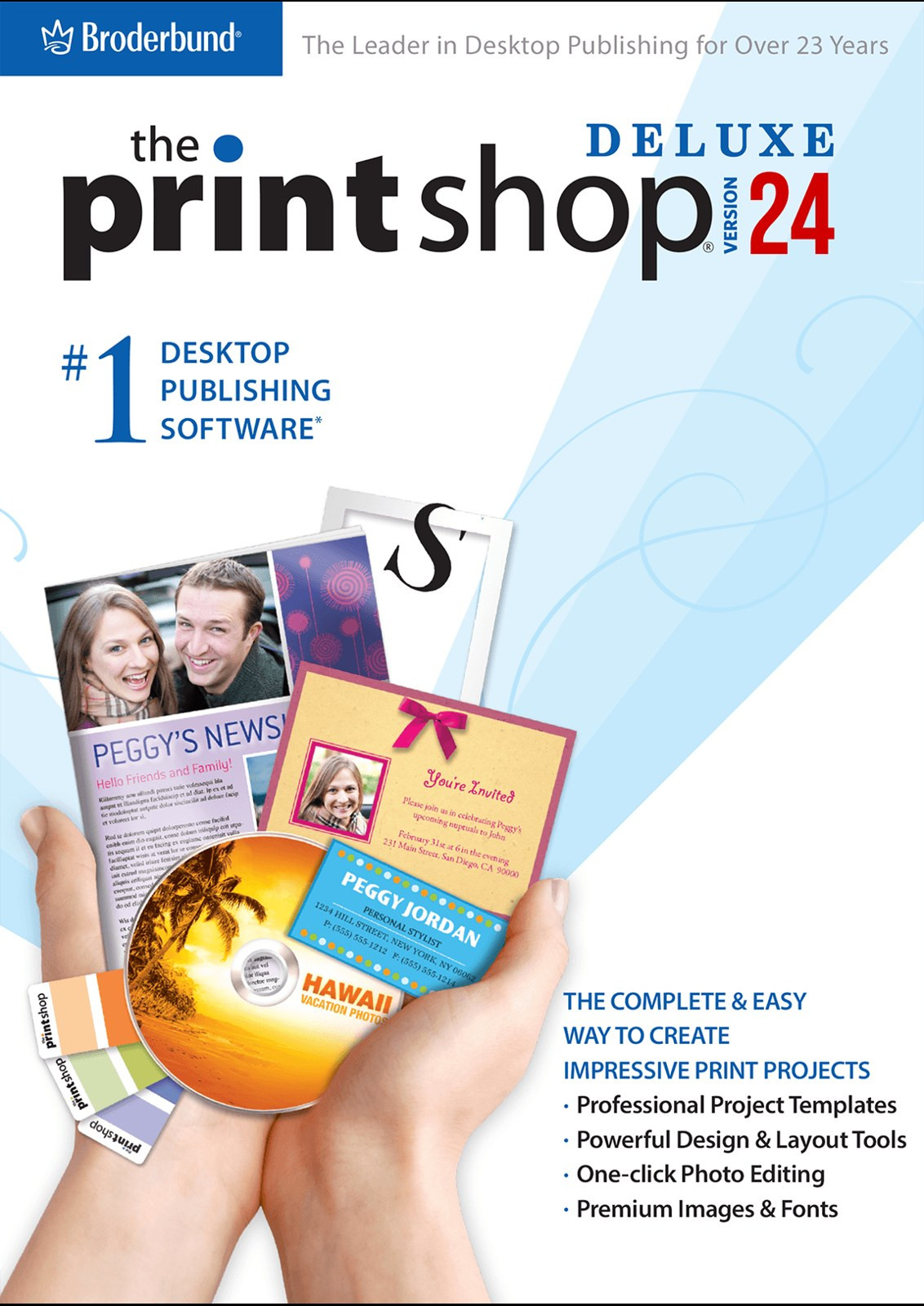
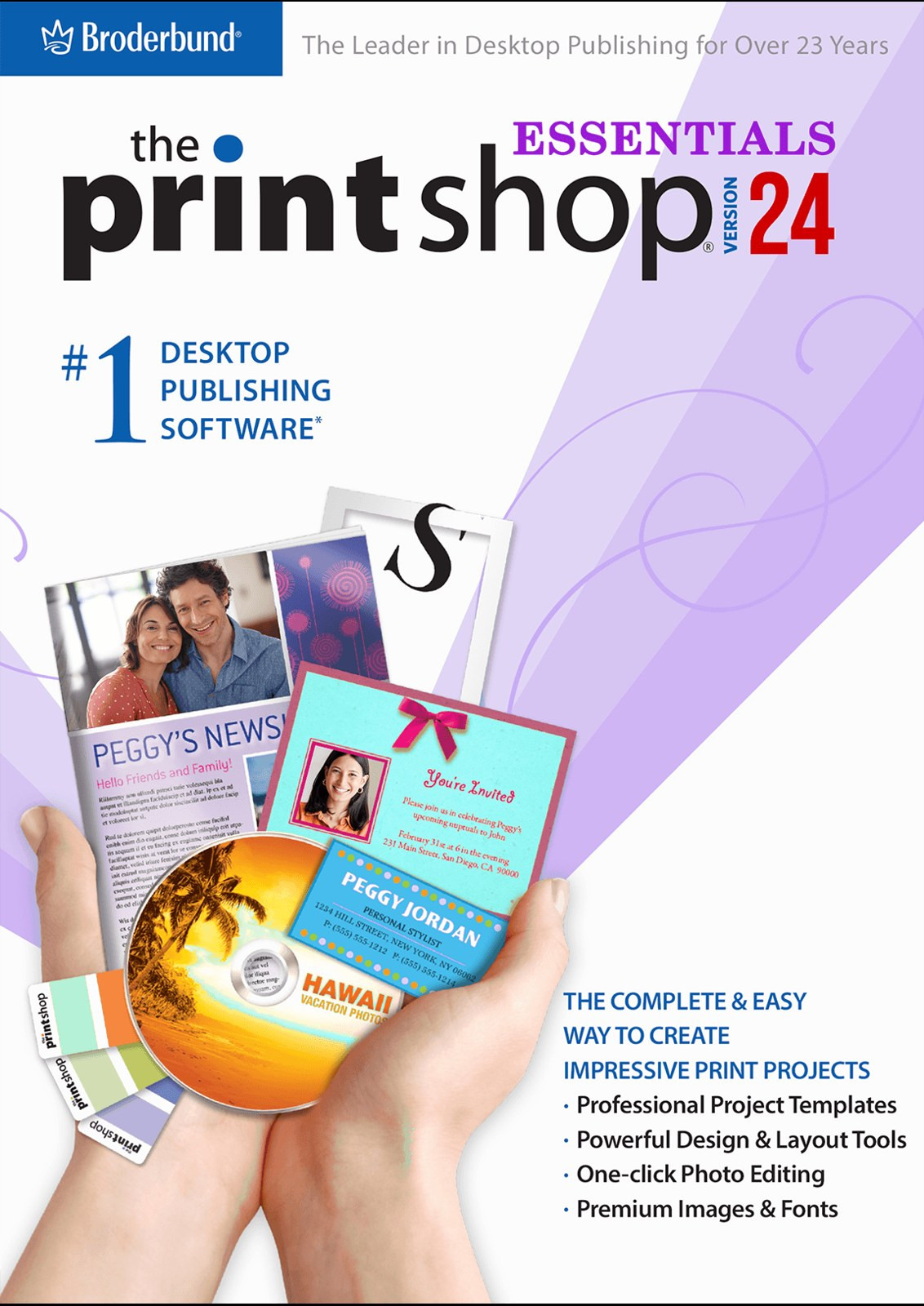
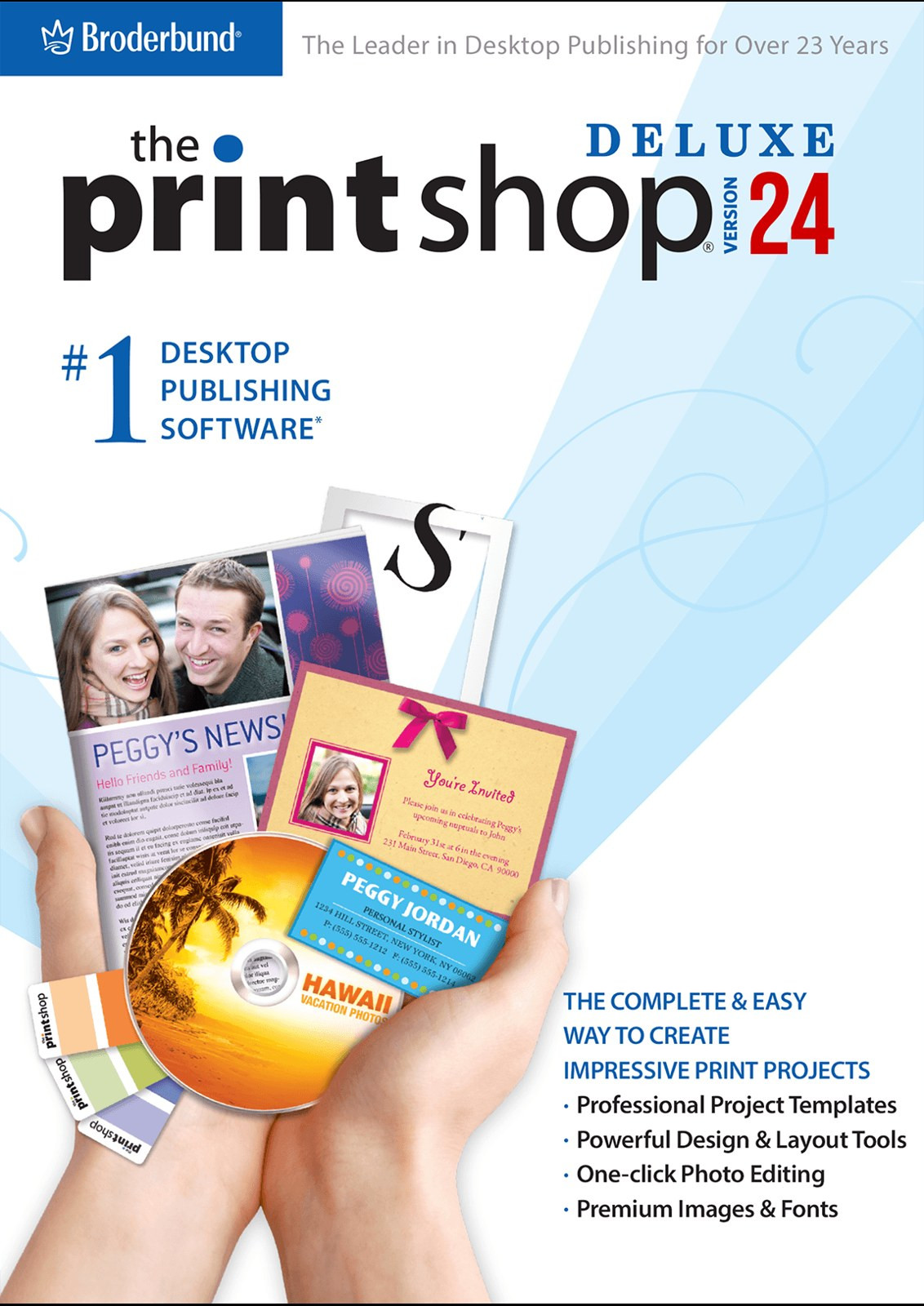
 Deluxe
The Print Shop 24 Deluxe - Perpetual - Download
$69.99 one-time purchase
- Everything in Essentials
- Calendars and a custom paper wizard
- Advanced image editor
- 800+ fonts
- Custom text styles, guides and object locking
 The Classic line for Windows 11 and 10
The Print Shop 24 carries on the Classic line that ran through 22, 23 and 23.1: the same way of working, the tools people have built their cards and newsletters with for years, and the projects they saved along the way.
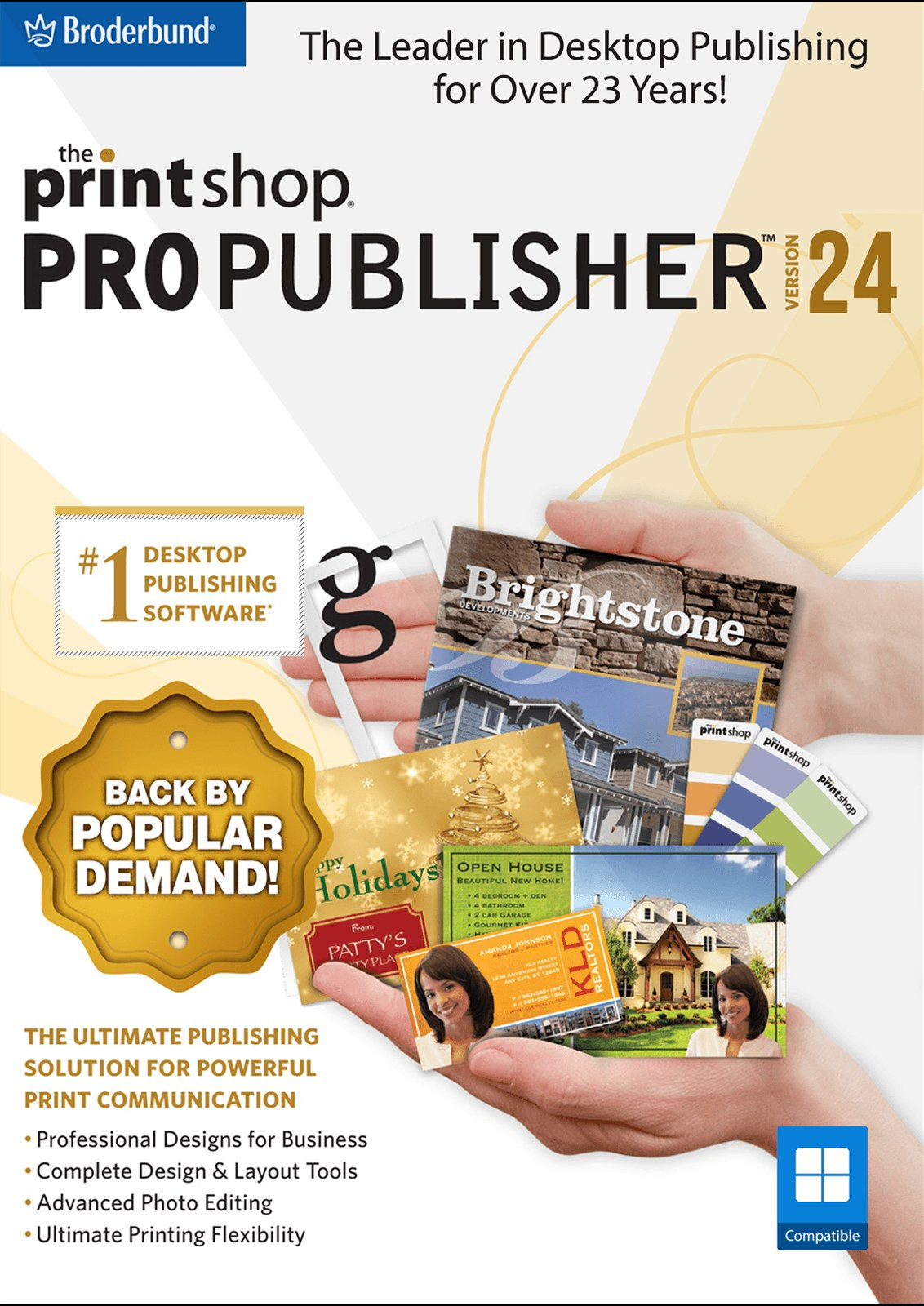
Buy once and keep it. Every edition is also available with Image Collection 2, and as a one-year term licence.
Deluxe
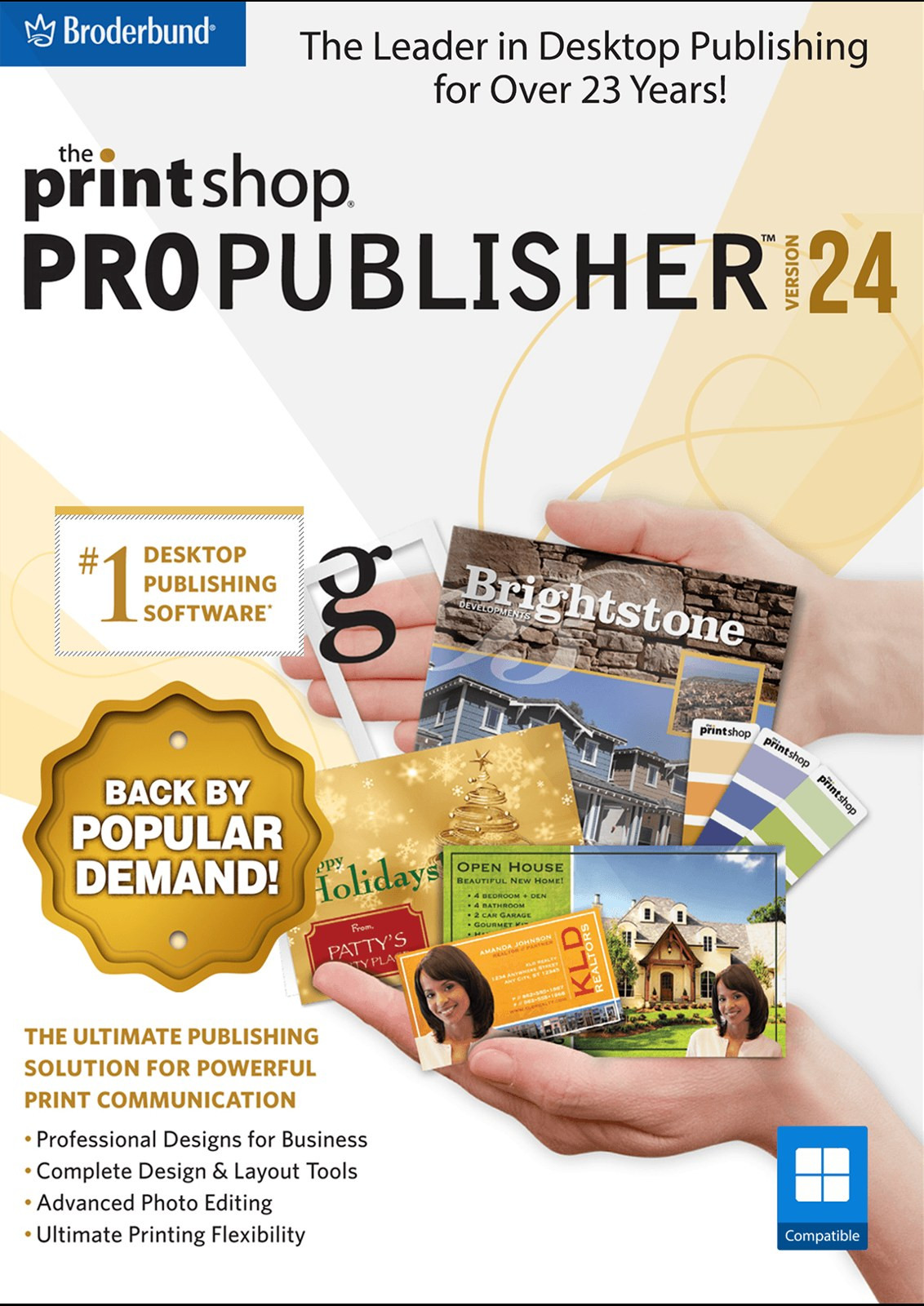
Pro PublisherThe Essentials edition, Deluxe with Image Collection 2 (370,000+ more premium images) and one-year term licences.
A design library, photo tools and your old projects, in one program.
The Classic line, brought up to date and supported on Windows 11 and Windows 10.
Pick a ready-made design or start from a blank page: greeting cards, invitations, calendars, labels, stationery sets, signs and banners.
About 1,200 templates are installed and the rest download free from the online library inside the program (internet connection required).
Fix red-eye, crop, adjust colour, brightness and focus, repair flaws, and add photo effects, area effects, artistic stamps and brush effects.
Layouts for address and shipping labels, greeting cards, name badges, stickers, postcards and CD/DVD labels, ready-made and blank.
Change a name or a date and print them again: projects from The Print Shop 10 through 24 open in version 24.
Print at home, or save as PDF, PNG, JPEG or TIFF.
Call 1-800-395-0277, Monday to Friday, 8:00 am to 4:30 pm Central.
In Deluxe and Pro Publisher, including the Varsity font.
More control over every picture.
Make a calendar, or print on any paper size.
Pro Publisher: for newsletters, brochures, flyers and business forms.
Pro Publisher: use them in commercial work.
Pro Publisher also puts text within shapes and adds form objects.
Real screens from The Print Shop 24. The numbered outlines show what each part does.
The Photo Workshop opens over your project, with a tab for each kind of fix.
 123
There is no separate stock-image subscription and nothing to buy per picture.
 123
A garage sale poster built from a ready-made design.
 123
A newsletter laid out in columns, with royalty-free images you can use for business.
 12
| Essentials$49.99 | Deluxe$69.99 | Pro Publisher$129.99 | |
|---|---|---|---|
| 15,000+ templates and 250,000+ images (most from the online library) | |||
| 175+ Avery templates | |||
| 150+ blank project types | |||
| Photo Workshop | |||
| Calendars and a custom paper wizard | – | ||
| Advanced image editor | – | ||
| 800+ fonts | – | ||
| Custom text styles, guides and object locking | – | ||
| 1,100+ royalty-free templates | – | – | |
| 15,000+ royalty-free images | – | – | |
| Import pages, elements and custom shapes | – | – | |
| Text within shapes and form objects | – | – | |
| View Essentials | View Deluxe | View Pro Publisher |
Open the projects you made over the years, and print or save when you are done.
| Open | Essentials | Deluxe | Pro Publisher |
|---|---|---|---|
| The Print Shop projects, version 10 through 24 | |||
| PrintMaster (classic), version 8 through 18.1 | |||
| American Greetings CreataCard, version 5 and later | |||
| American Greetings Spiritual Expressions, version 3 and later | |||
| American Greetings Print! Premium, version 3 and later |
| Save and share | Essentials | Deluxe | Pro Publisher |
|---|---|---|---|
| Print at home | |||
| Save as PDF, PNG, JPEG or TIFF |
Projects made in The Print Shop 8 and earlier versions of the modern line open in The Print Shop 9, not in 24.
Windows 11 or 10 · 2 GHz processor · 4 GB RAM · 2 GB free disk space · 1024 by 768 display · an internet connection to download templates and images · administrator rights to install.
The Print Shop for Mac is a separate program made for macOS.
Yes. The Print Shop 24 is supported on Windows 11 and Windows 10.
Projects made in The Print Shop 10 through 24 open, as do PrintMaster (classic) 8 through 18.1 and American Greetings CreataCard, Spiritual Expressions and Print! Premium projects.
15,000+ templates and 250,000+ images. About 1,200 templates are installed and the rest are free to download from the online library inside the program, which needs an internet connection.
Deluxe adds calendars, the advanced image editor and 800+ fonts to Essentials. Pro Publisher adds 1,100+ royalty-free templates, 15,000+ royalty-free images and tools for newsletters, brochures and forms.
A one-year licence at a lower price. The perpetual editions are yours to keep.
The Print Shop 9 is the newest version, with built-in PDF export. Version 24 keeps the interface and features long-time customers know. See <a href="@WHICH@">which one is right for me</a>.
How-to articles, project ideas and news.
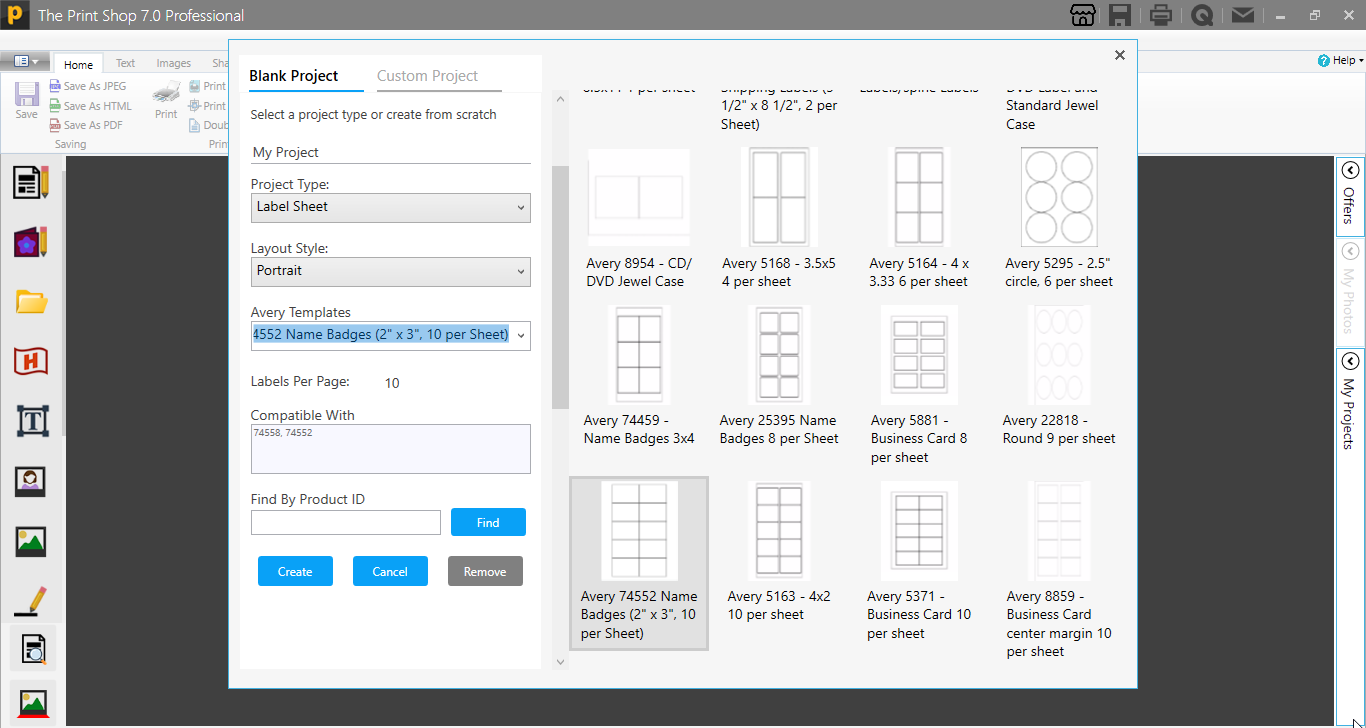
Now we can change the Range of the Label sheet (Starting and Ending position) during Printing in Print Windows. For this first launch the Print Shop 7.0 Application and...
Read
Posted September 20, 2022 Hello! This is Jason your Product Manager from Encore Software. I am excited to announce some developments that we’ve been working on for Print...
Read
Posted January 18, 2022 With all of its new features and business utilities, Print Shop Professional 6.0, is the perfect print productivity software to give users all...
Read
Posted January 18, 2022 Creating brochures, banners, and greeting cards has never been easier or more inventive! Print Master Platinum v9 includes all of the design...
Read