

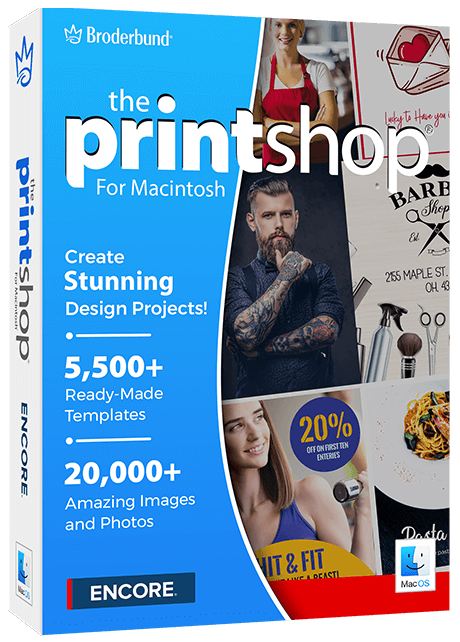
The Print Shop, made for the Mac
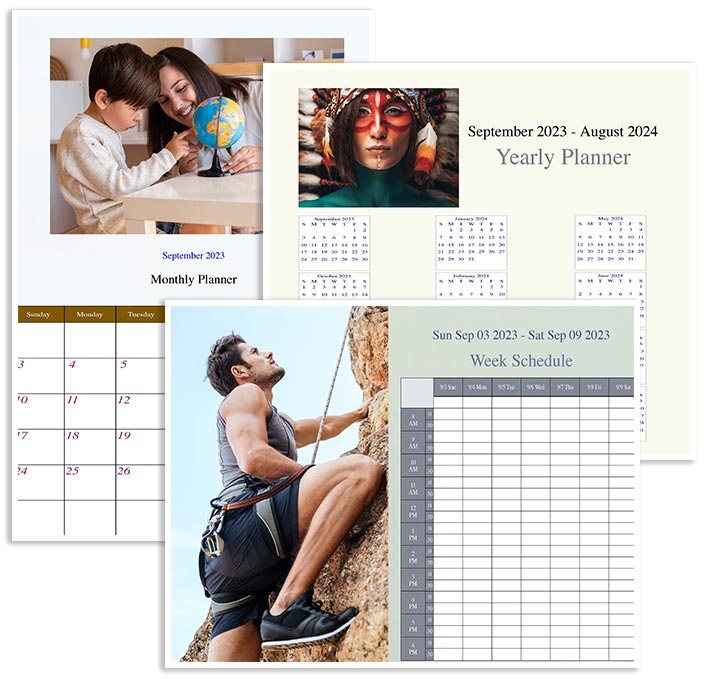
Version 1.3.0 has a native macOS look, opens your old Print Shop 4 for Mac projects with one button, and starts faster. Make greeting cards, invitations, calendars, signs and more from ready-made templates, then print or email them as a PDF.
- macOS Catalina to Tahoe
- Instant download
- Phone support, Mon–Fri
Every tool is one click away
Tabs across the top change the bar below them, so the buttons you need are always in front of you: start a project, add photos, build a calendar.



Your designs and tools, always beside the page

Pick it, drop it, change it
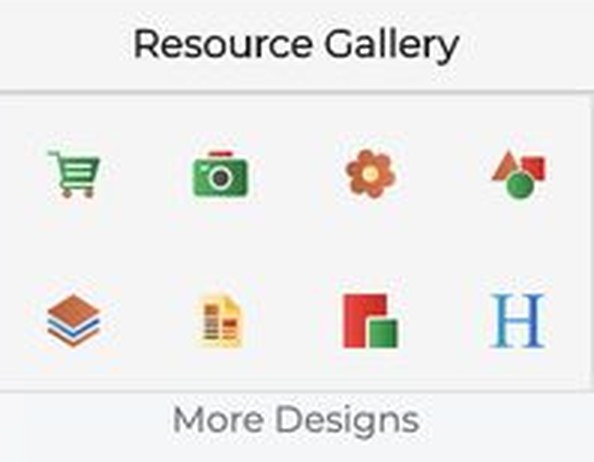
The tool column on the left jumps between painting, templates, backgrounds, text, headlines, clip art and shapes. The Resource Gallery on the right holds templates, backgrounds, clip art, shapes, headlines, photos and layers, so you can browse and add without leaving your project. Hover tips explain every icon.
- Templates, backgrounds and clip art
- Shapes, headlines and layers
- Your own photos from your Mac
Greeting cards, invitations, calendars and signs
Pick a ready-made template, change the words and pictures, and print it at home or save a PDF for a print shop.



A fresher Print Shop for your Mac
Looks like a Mac app
A unified toolbar, a tab row, system fonts and Mac-style dialogs. Signed with Encore’s Developer ID and notarized by Apple, so it opens without the “unidentified developer” warning.
Open your Print Shop 4 projects
Use Import v4 on the Home tab to bring a Print Shop 4 for Mac project into the new version. We tested it with sample projects. Text, pictures and shapes come across; a complex older project may need a few touch-ups.
Faster and easier
It starts and loads content faster, shows a cleaner loading indicator, and adds hover tips on the left tool column and the Resource Gallery icons.
Text and headlines
Bold, italic and underline, alignment, bullets, drop shadow, colour, borders and rotation, plus ready-made headline styles.
Mail merge and address book
Keep an address book and merge it into labels and cards. Spell check, undo and redo, rulers and guides, and page management are all built in.
Save and share
Save projects, save as PNG or JPEG, export to PDF to email or take to a print shop.
The Print Shop for Mac
Single-user licence
- Version 1.3.0 as an instant download
- Your download link and activation key arrive by e-mail
- macOS Catalina, Big Sur, Monterey, Ventura, Sonoma, Sequoia and Tahoe
$49.99
Also using a Windows PC? The Windows editions are separate programs: see The Print Shop 24 Classic and The Print Shop 9.
System requirements
For Macs running macOS Catalina through Tahoe. About 1 GB of space to install, more for downloaded content. Your download link and activation key arrive by e-mail after you order.