
PhotoCrop with Black Shapes
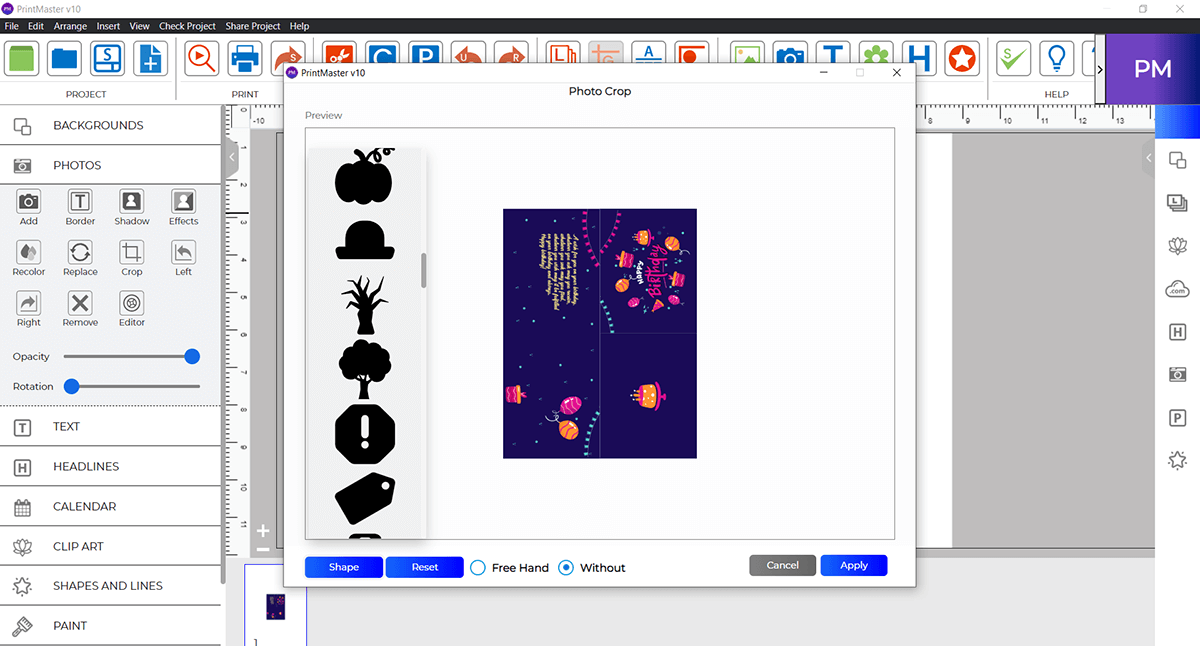
Crop photos into creative black shape cutouts for stylish designs.

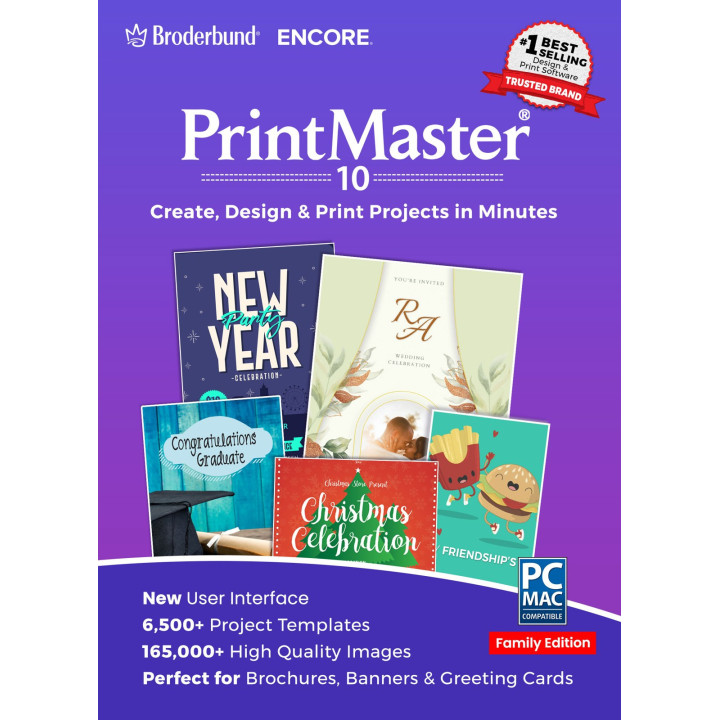
Design stunning print projects like never before with the brand-new PrintMaster 10, the newest version. Create projects free of license limitations with over 10,000 royalty-free professional backgrounds and images, and thousands of unique royalty-free templates. Need to customize your outreach even further? Easily import personal photos, then color correct, crop, and alter them in any way you see fit to elevate your designs with our photo editing tools.
Note: Need to install the program on more than one computer? You can purchase the Family Edition which will allow you to install the product on three computers. The option to add 3 licenses (Family Edition) is available in the drop-down menu below for an additional $20.

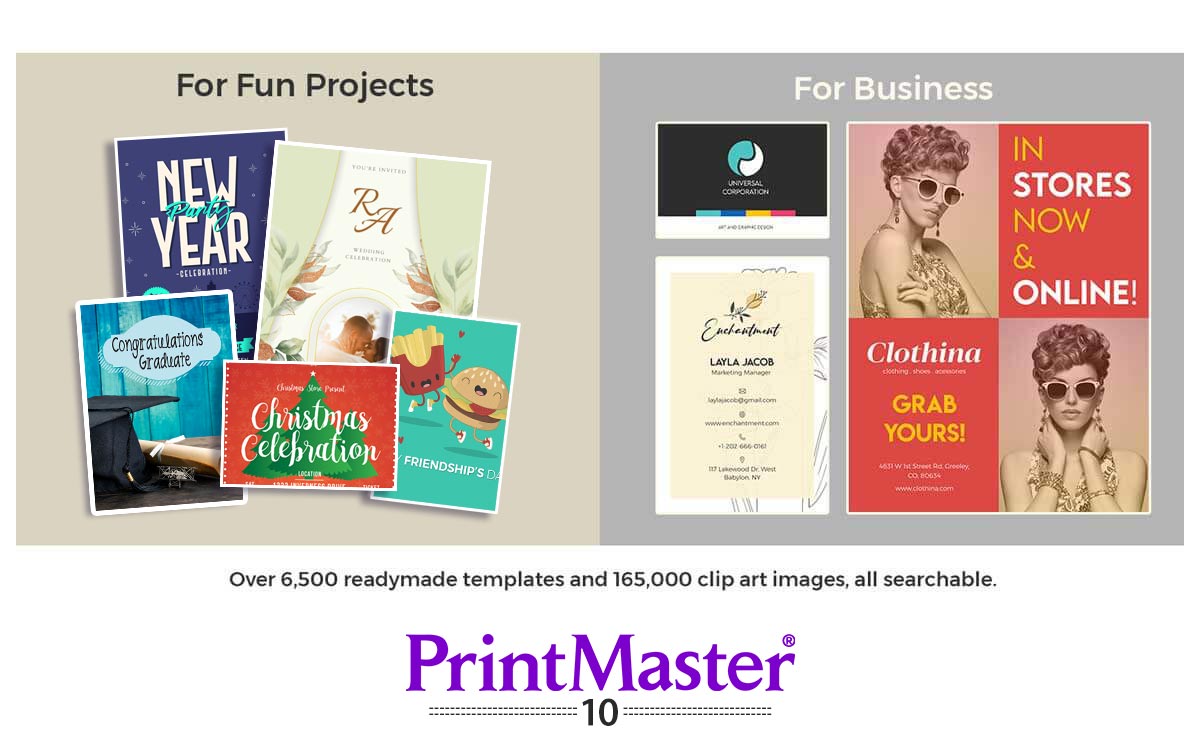
Looking for professional graphic designs that communicate your unique voice and business strategy to your clients and prospective customers? Let PrintMaster 10 assist you. Put together picture-perfect designs for everything from greeting cards, to invitations and Postcards, calendars, business brochures, cards and so much more. From start to finish, PrintMaster 10 has everything you need to make impressive projects. PrintMaster 10 is perfect for creating:
| ▪ Brochures | ▪ Banners | ▪ Greeting Cards |
| ▪ Calendars | ▪ Signs | ▪ Business Cards |
| ▪ Newsletters | ▪ Invitations | ▪ And much more! |
Start by selecting a template or creating a new design from scratch.
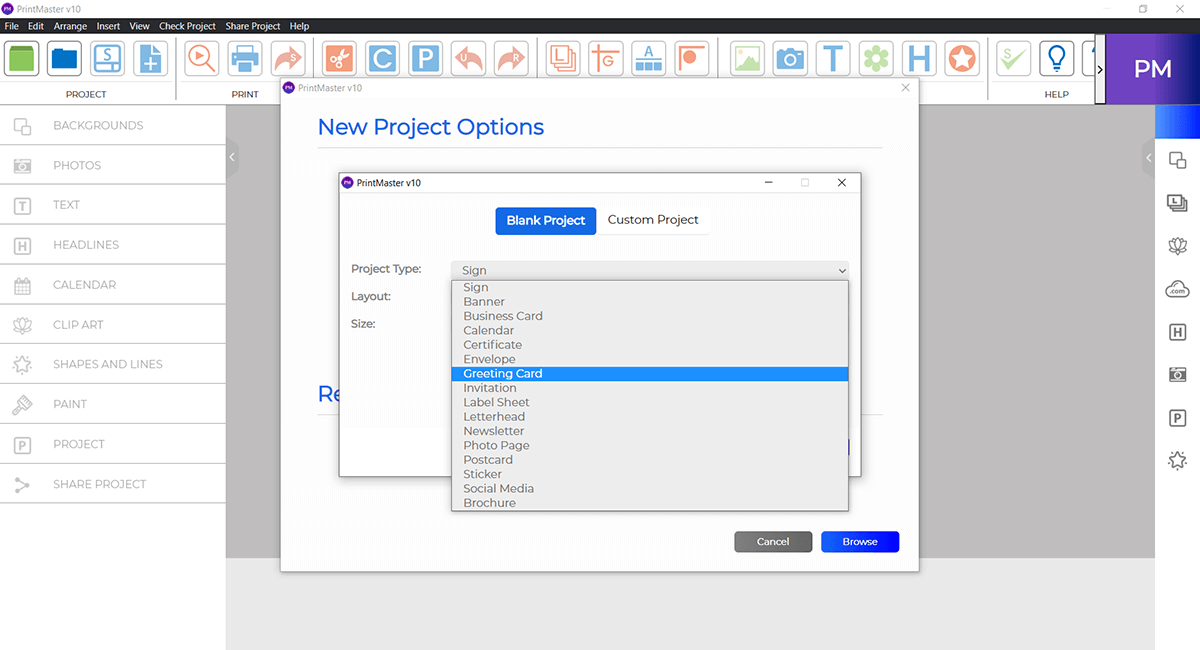 2
Customize and make it your own. Change font, color, photos and more.
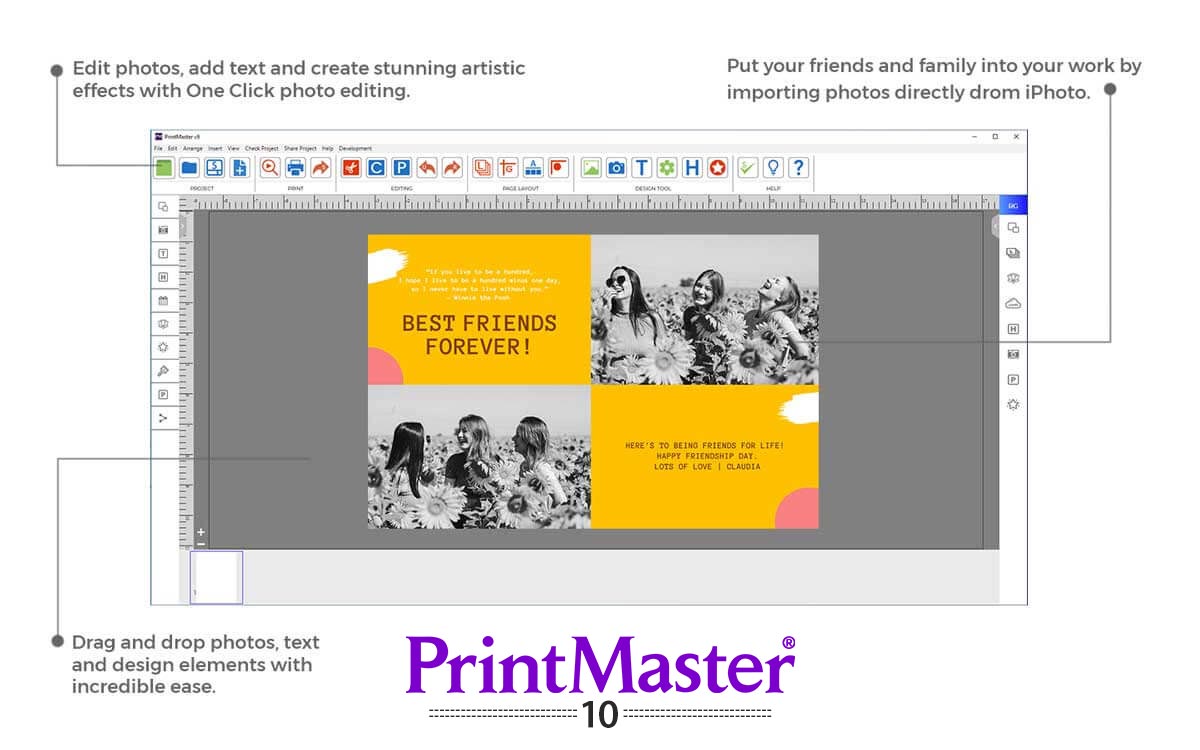 3
Print, Publish and Share with your friends, customers and colleagues.
Key features in PrintMaster 10:
What’s New in PrintMaster 10
Updated UI - Enjoy an updated, streamlined user experience.
Improved Compatibility – Fully optimized for the latest Windows and macOS operating systems, including macOS Catalina, Big Sur to Tahoe .
Simplified Onboarding – Easy registration and licensing to get you started faster.
Expanded Font Library – Access over 1,500 new professional fonts to elevate your designs, plus the ability to install and use your own custom fonts.
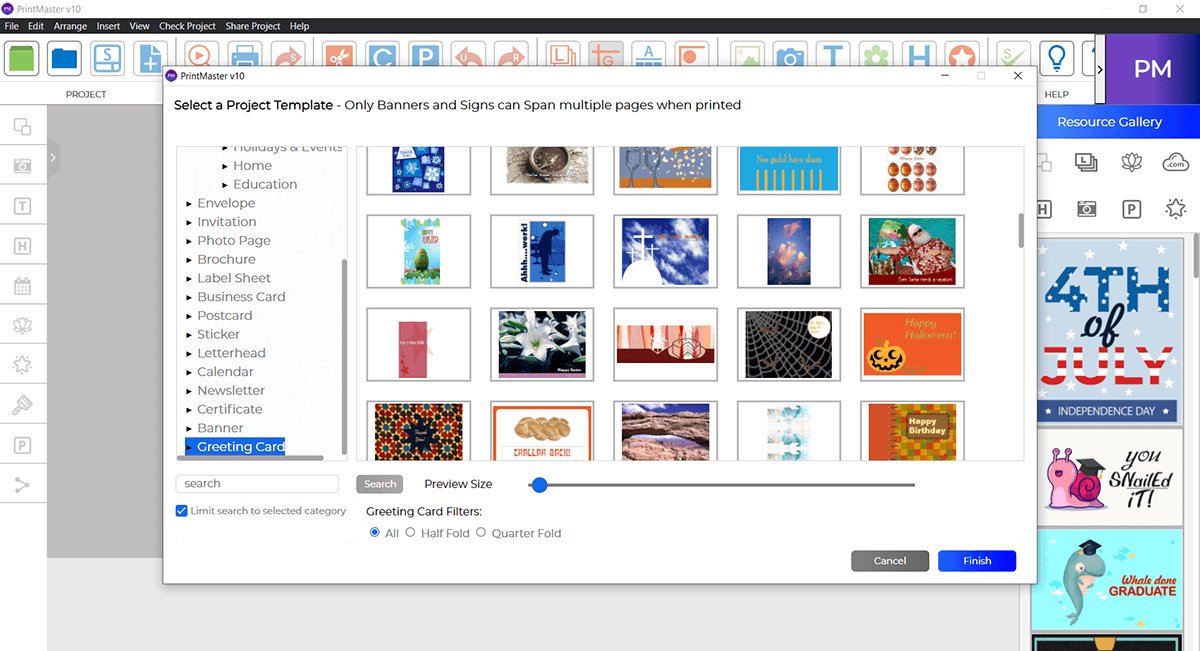
6,500+ Ready-Made Templates – Jump-start your projects with thousands of royalty-free templates, then customize them with professional backgrounds and images to make your design truly unique.
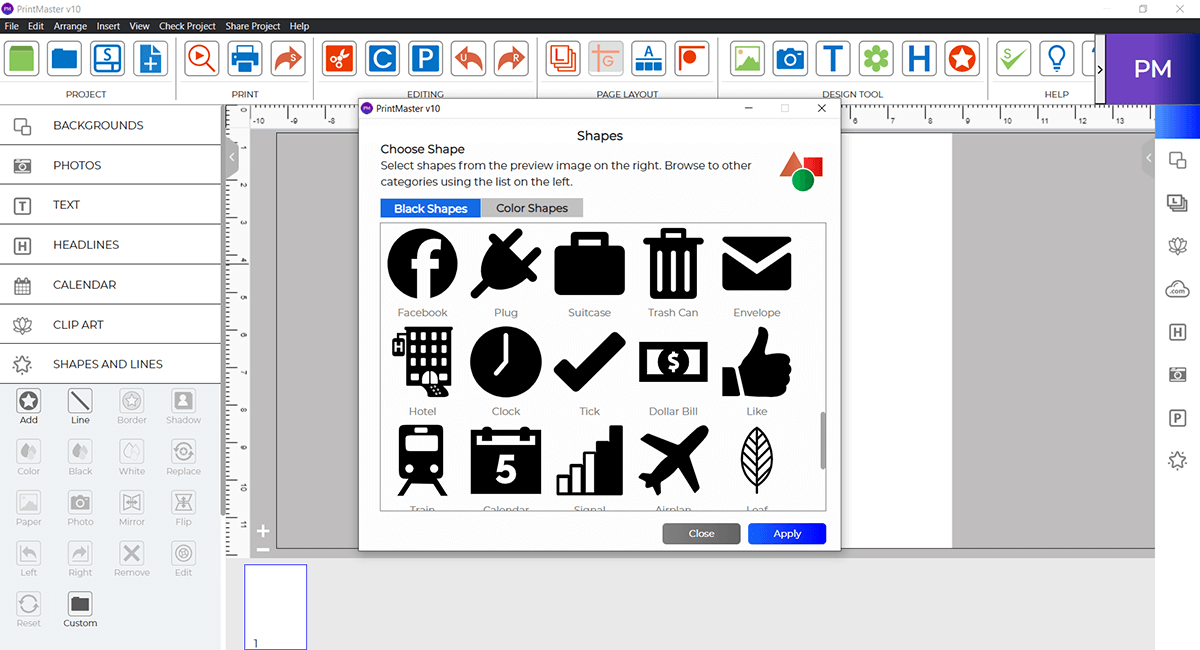
More Shapes – PrintMaster 10offers 67 additional shape options, giving you greater variety and flexibility compared to previous versions.
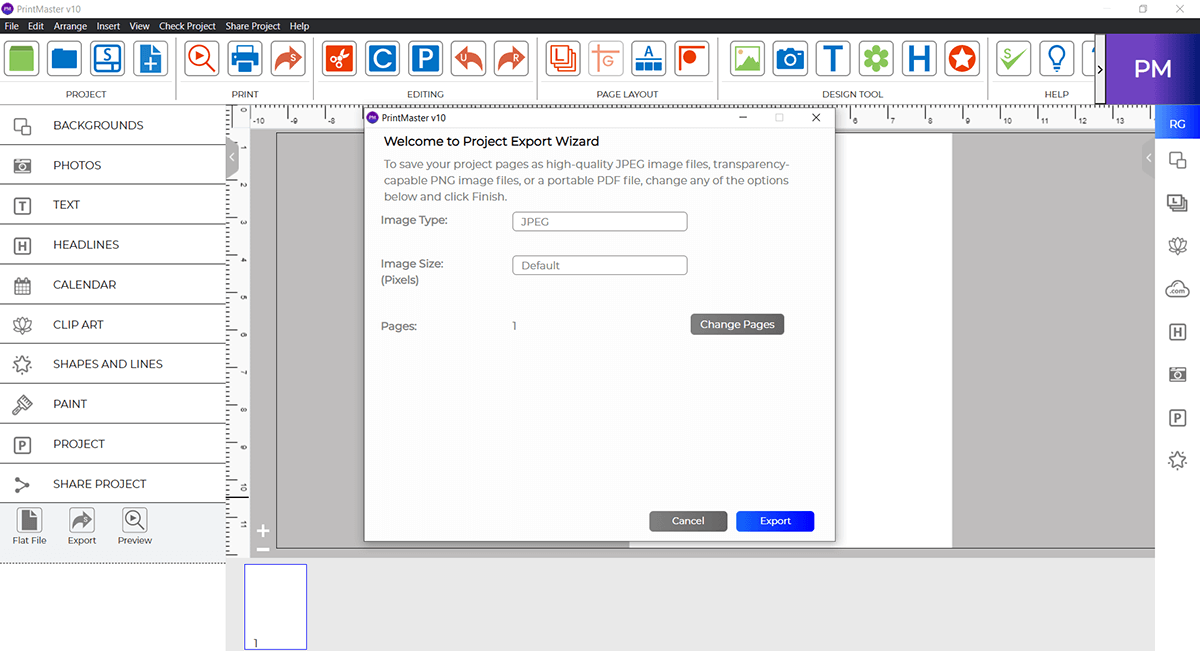
Export Images – Easily export your projects by saving them in JPG, PNG, or PDF formats.
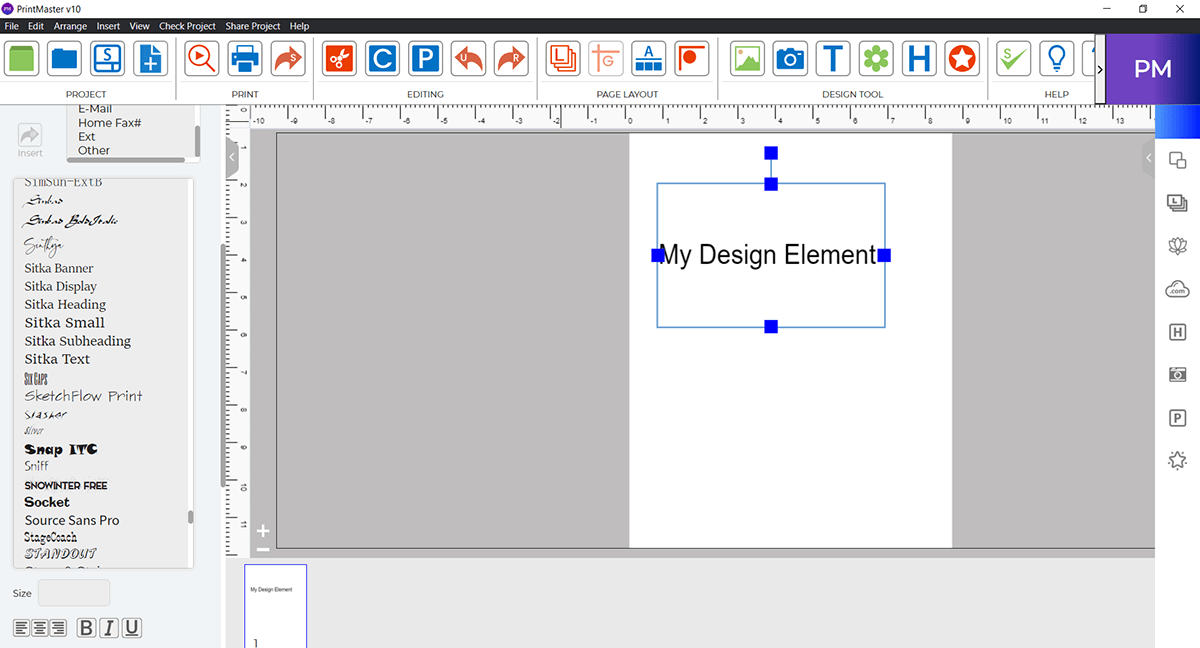
Edit Text – Customize your text with a wide range of options, including different colors, shadow effects, and adjustable opacity to create the perfect look for your design.
Colored Shapes: A robust gallery of 32 colorful shapes is available to use from within your design.
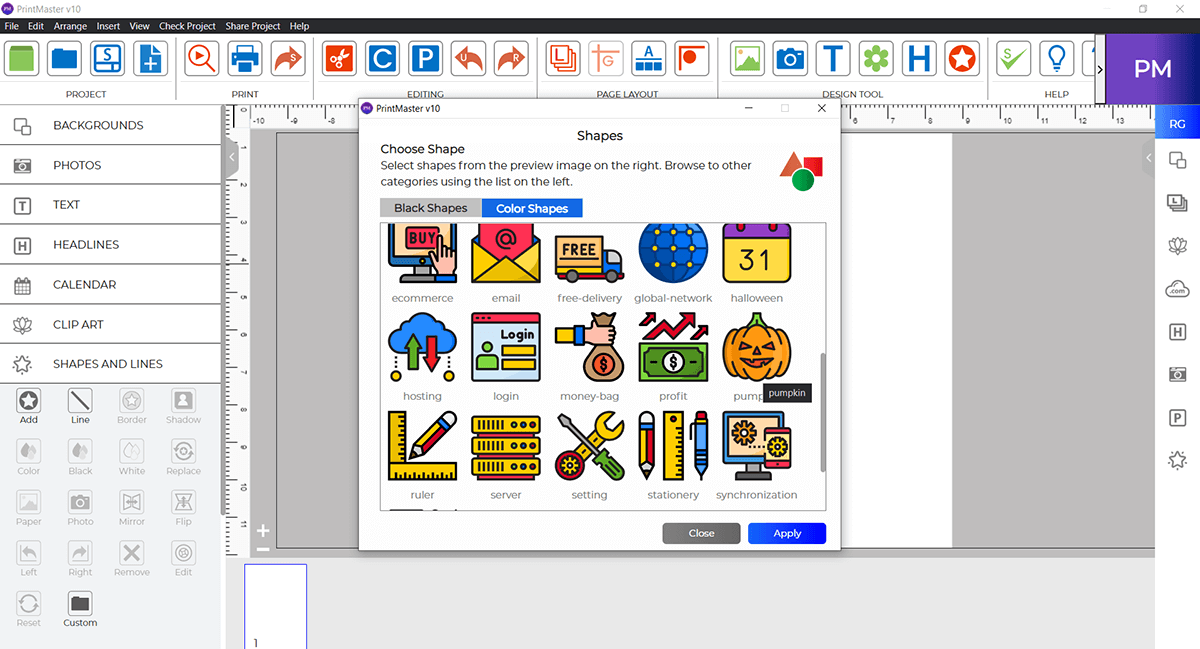
Free Paint – Enjoy complete creative freedom with the ability to paint directly on the canvas, no longer limited to a default square box.
Crop with Shapes – Crop your photos with different black shapes.
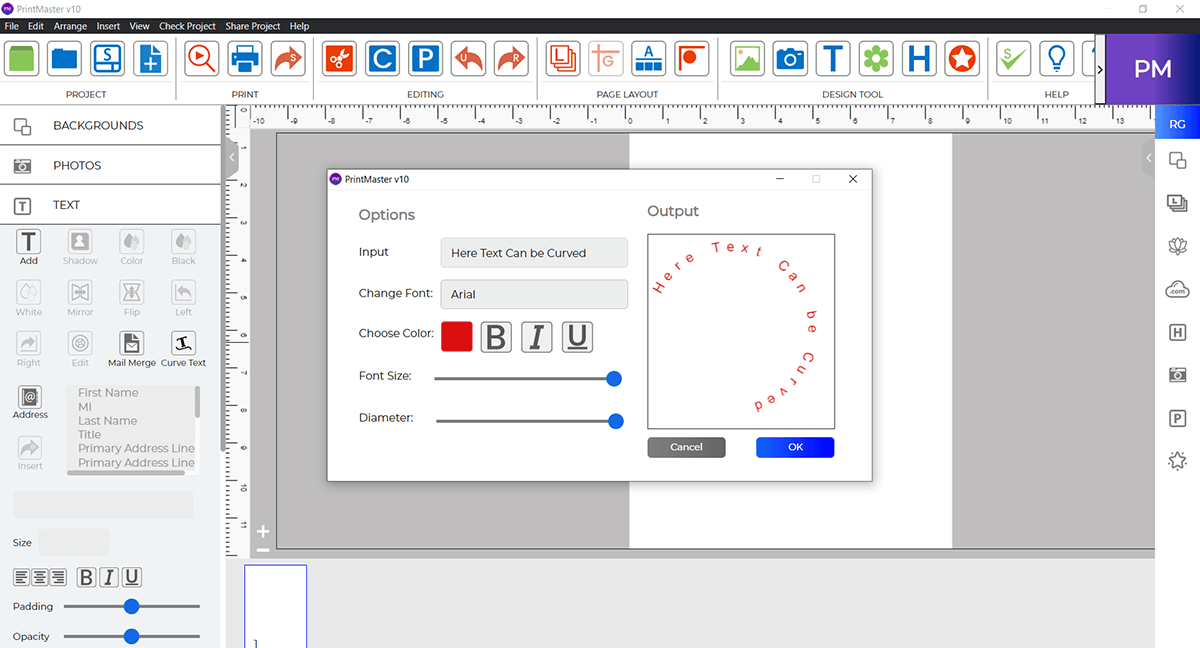
Curve Text – You can add curve text.
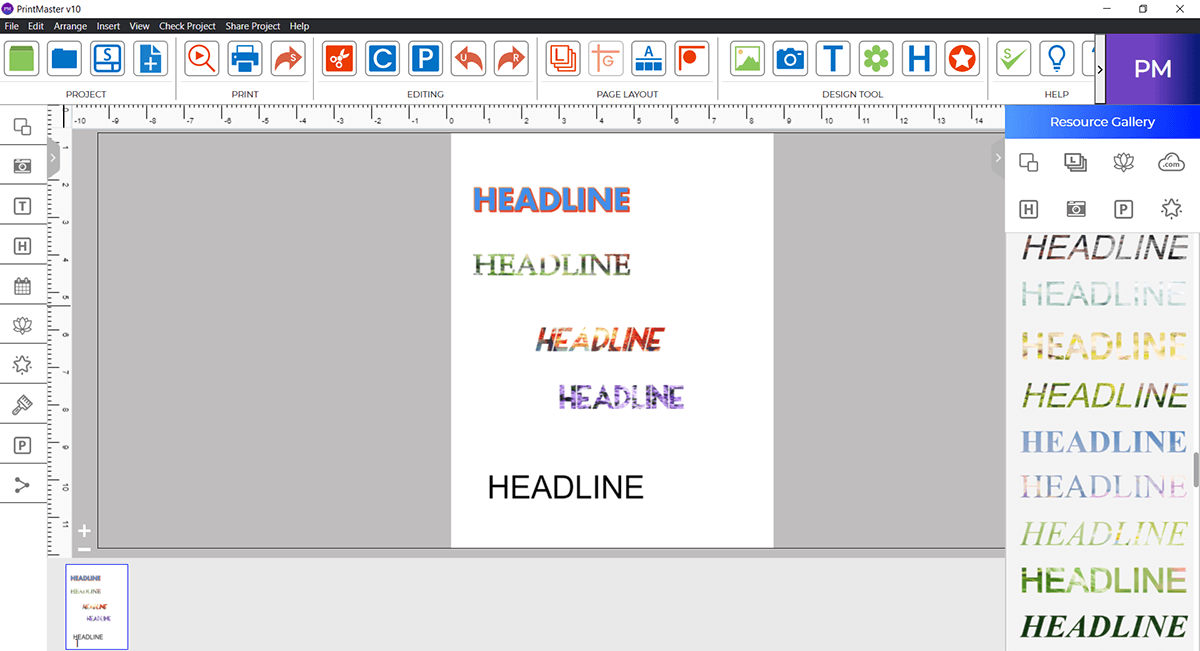
New Headlines – Create eye-catching titles with enhanced headline design tools.
QR Code Generator – Add scannable QR codes to your projects for quick links to websites, events, or contact details.
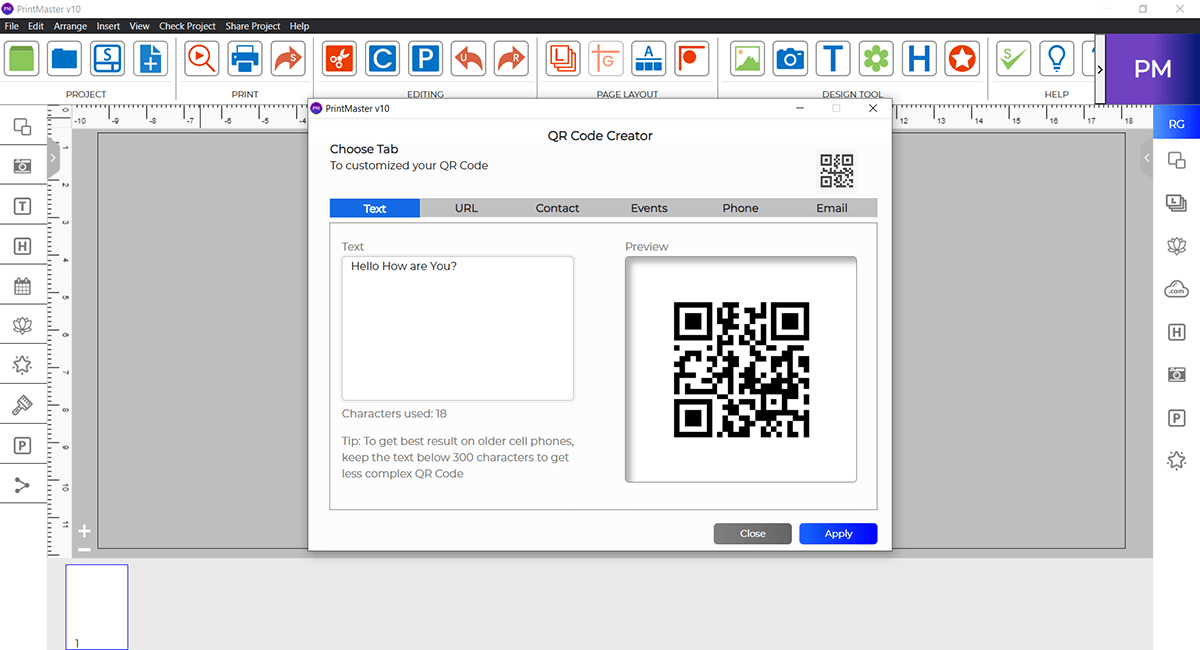
New Photo Effects – Enhance your designs with a variety of professional-grade photo effects.
Paint Modes - Explore multiple paint styles and modes to customize your artwork even further.
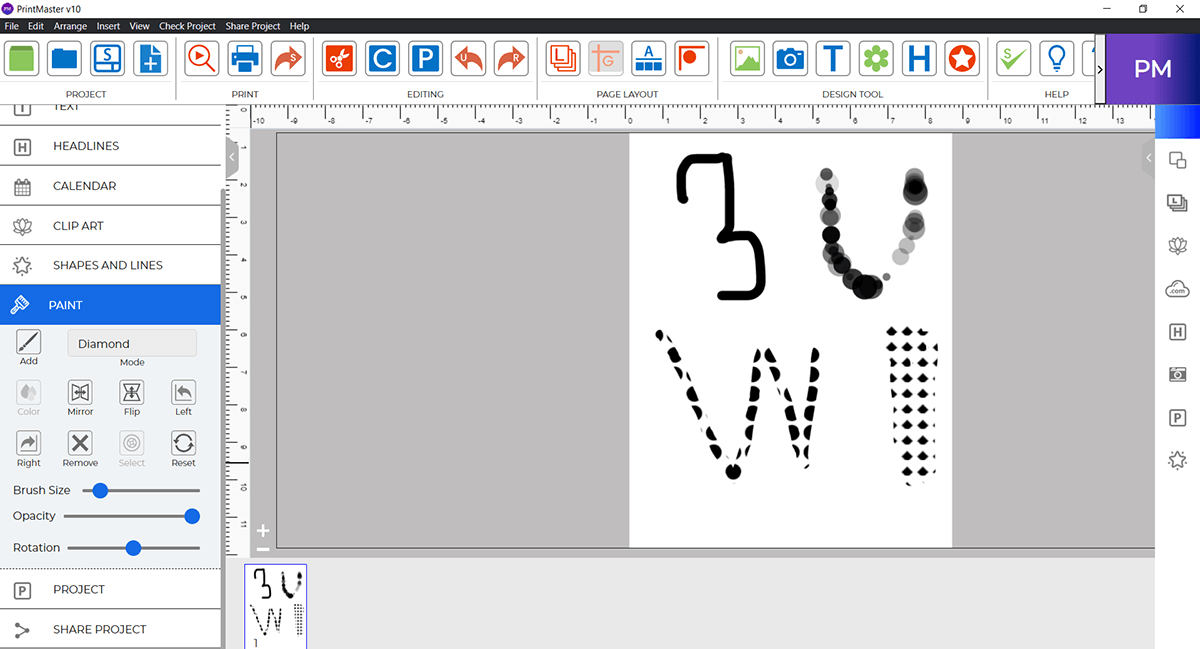
Crop photos into creative black shape cutouts for stylish designs.
Use the one-click Reload feature to instantly refresh the application, close your current project, and resume right where you left off.
Boost performance in seconds by clearing cache memory with the new Clear Cache tool.
Easily share your PrintMaster projects by sending them as PDF files via email.
Send your PrintMaster v10 projects as PDF files directly to your iMessage contacts.
Save your projects directly to iCloud Drive for easy access across all your devices.
Your email and license key are now stored in the About section of the Help menu for quick reference.
Dictate text directly into your project with built-in voice-to-text support.
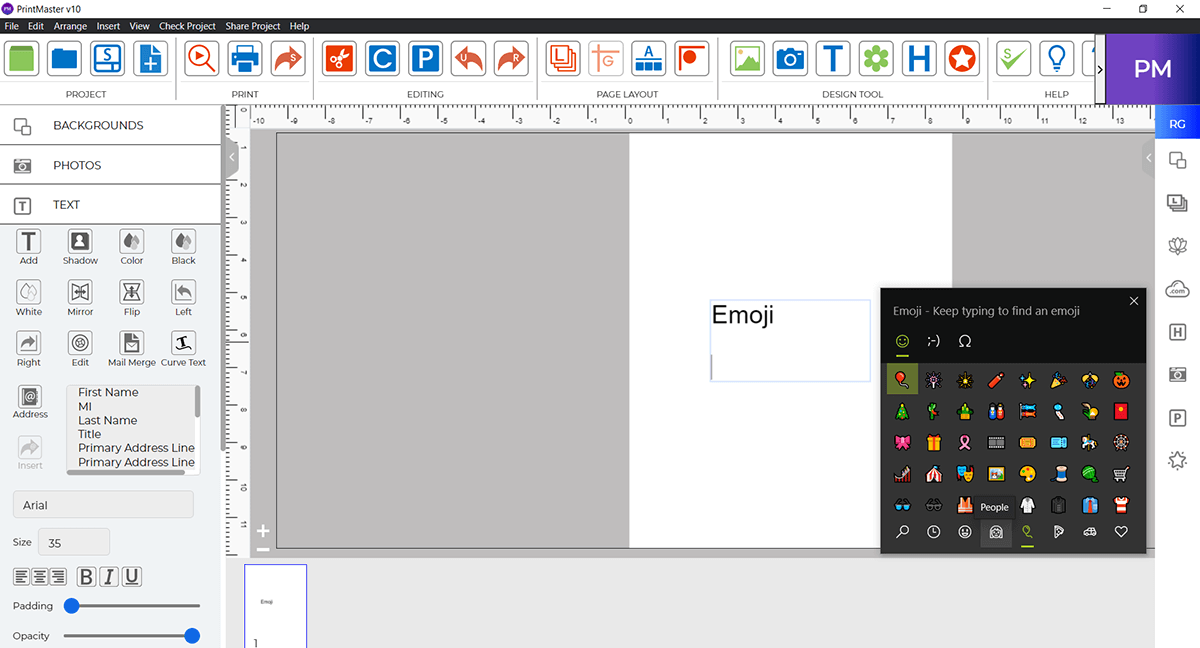
Add personality to your designs with an expanded library of emojis and special symbols.
Quickly browse and manage your pages or projects with an easy thumbnail view.
Simplify your workflow by dragging and dropping images, text, and objects directly onto your canvas.
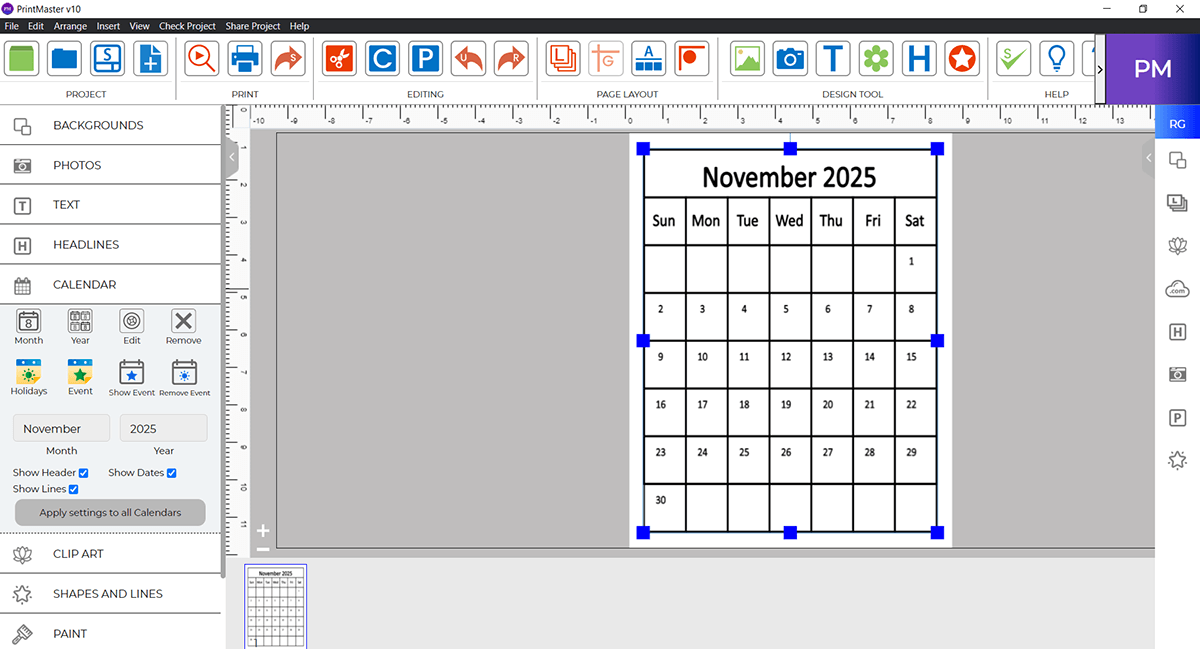
Create and manage calendars with ease. Add events, mark holidays, view upcoming events, and remove entries as needed for complete calendar customization.
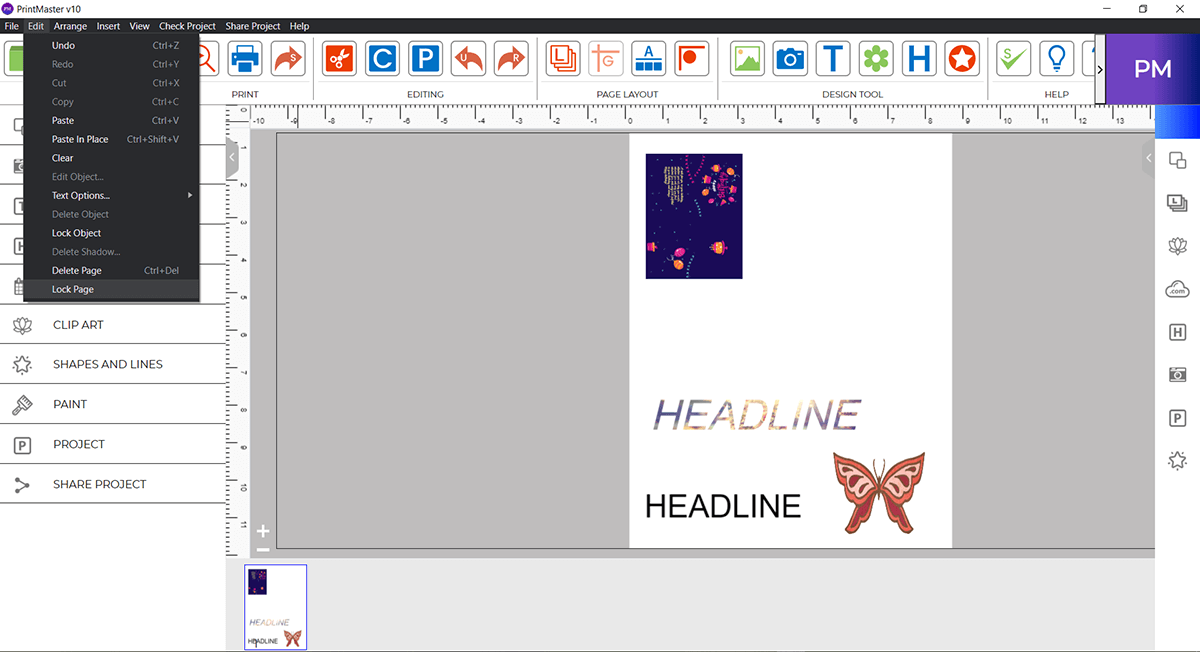
Secure an entire page layout to prevent accidental changes while editing.
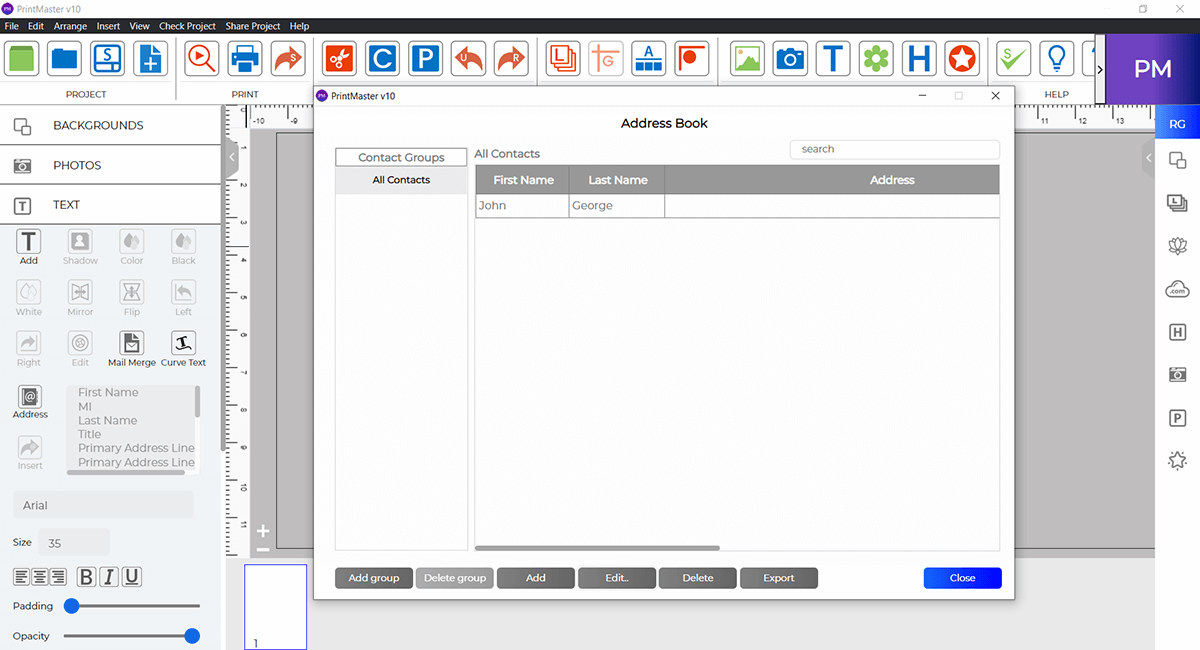
Export contacts from your built-in address book for easy sharing and mailing.
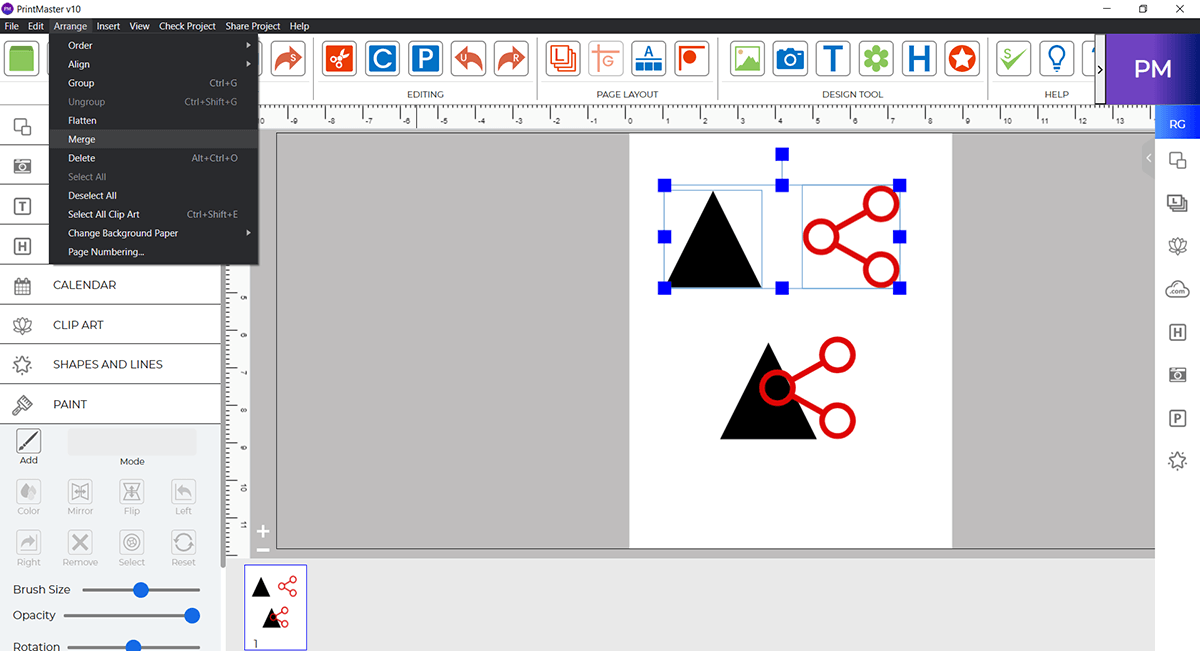
Combine multiple objects into one for streamlined editing and alignment.
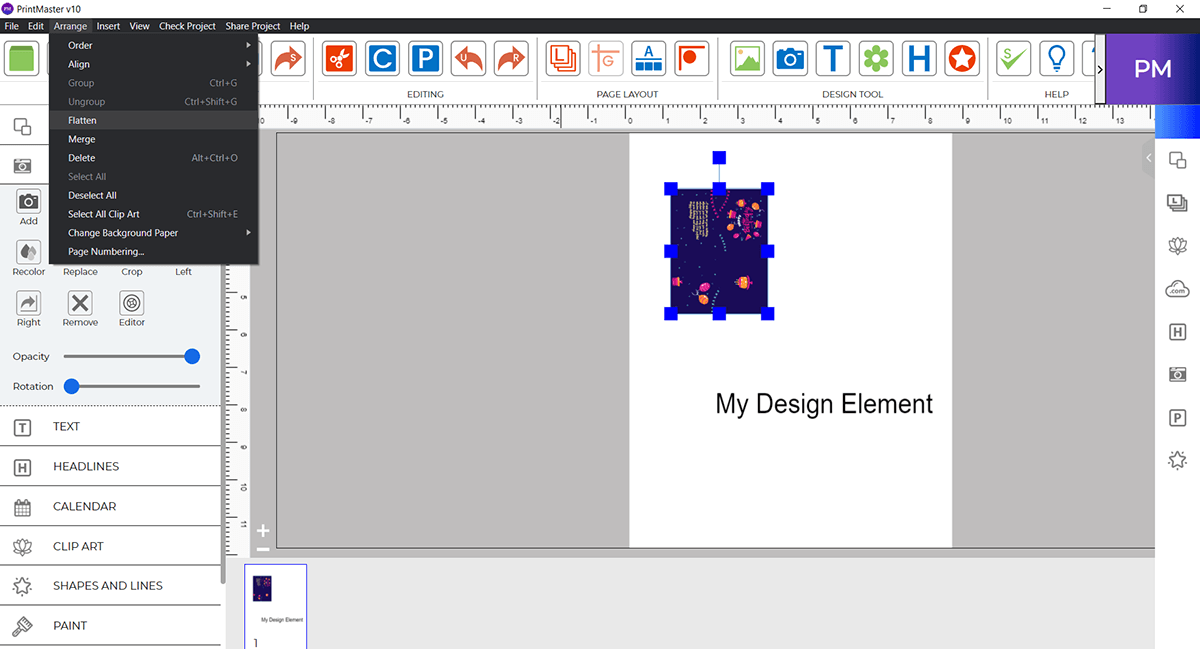
Convert layered objects into a single element to simplify complex designs.
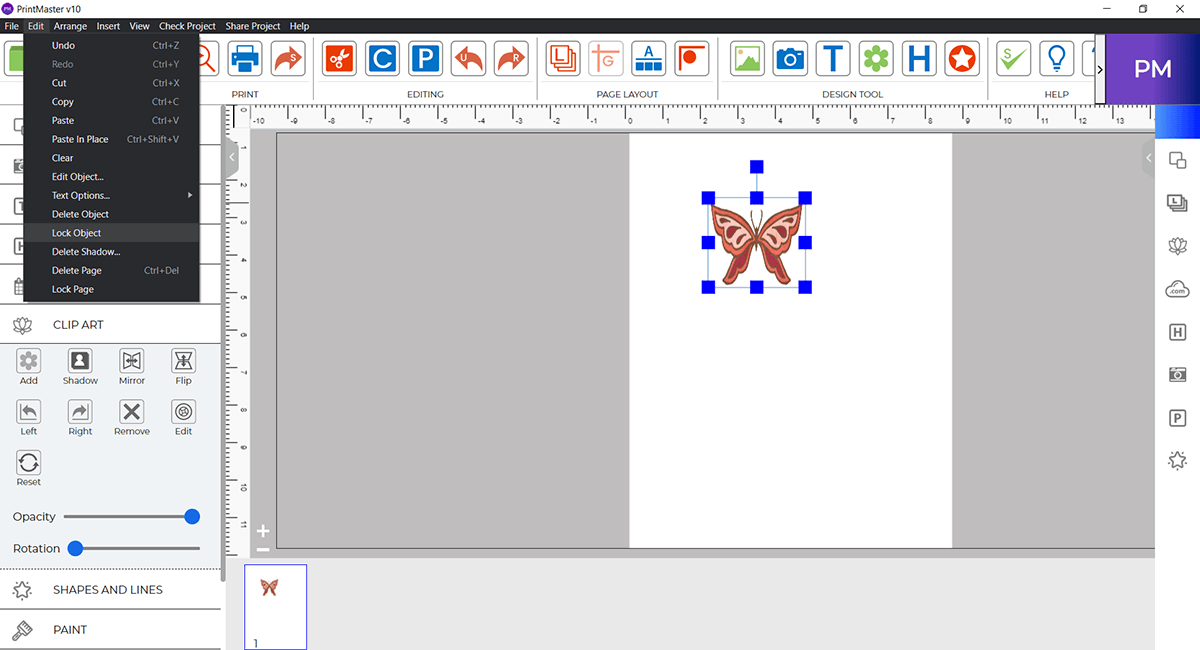
Lock specific objects in place to protect key design elements while editing.
| SKU | 54302 |
|---|---|
| Delivery | Instant download link and licence key by email |
| Licence | Read the licence |
| Refunds | Refund policy |
Holiday and everyday collections open in The Print Shop 9 in one click.
Browse content packs