
Tint Effect - Turn Photo Into Art
An ordinary photo can be turned into a classy art piece, using one simple Effect. It's so easy in The Print Shop!
Import your photo into a new blank project. For this demonstration, I am using a photo of "Aunt Linda" and "Aunt Ellen". Rather than spend a lot of time applying cosmetic improvements...
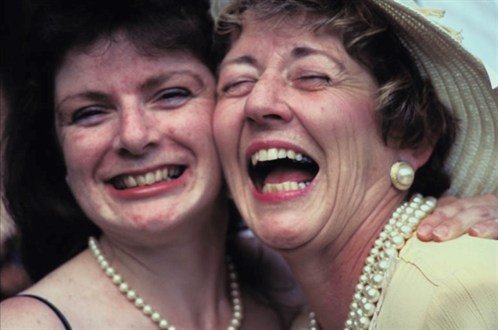
... I will turn the photo into a flattering and artistic portrait.
With the photo selected, click the Tint icon. When the color palette appears, click the brown square at the bottom left.
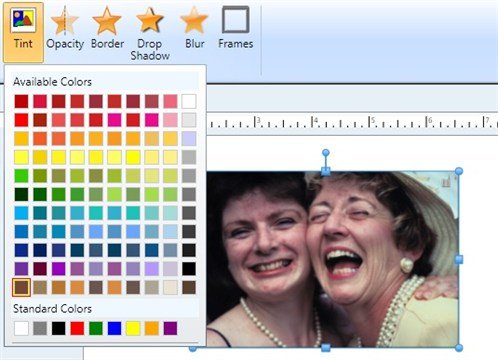
This is the result on the "first pass".
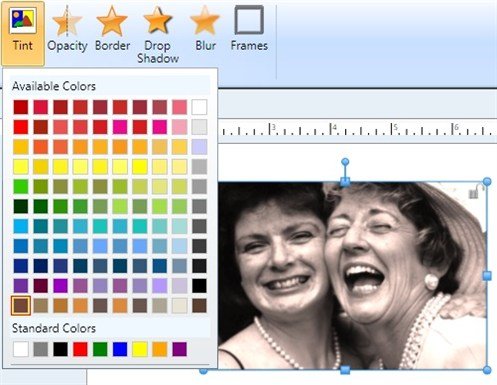
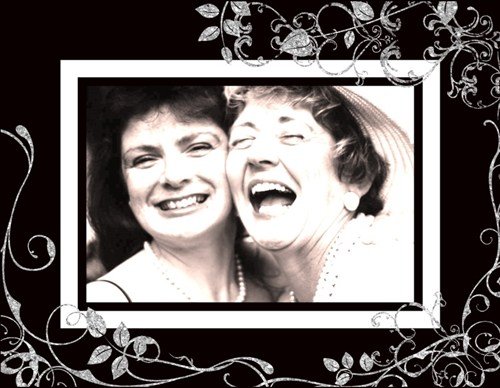
Do a second and a third pass of the same Tint effect, and now the result is dreamy and ethereal. This would look beautiful printed onto canvas.
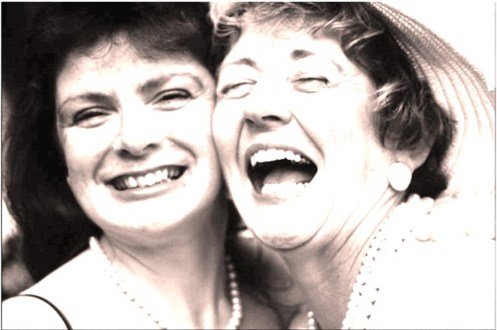
Or you can frame it. Here I added an instant frame via the Frames icon (to the right of the Tint icon). From the Clipart Gallery, I added "Old New Borrowed Blue Overlay Silver Glitter".
I can get this professionally printed onto a plaque which will make a great gift!
Try this Tint technique on your next photo!