
Christmas/ Holiday Letter
The Print Shop is a great program for making your Christmas/ Holiday letter. You can print it to be mailed or save it as PDF to be emailed. The Print Shop provides a huge assortment of holiday clipart, as well as photo tools and text tools, to create your uniquely crafted letter.
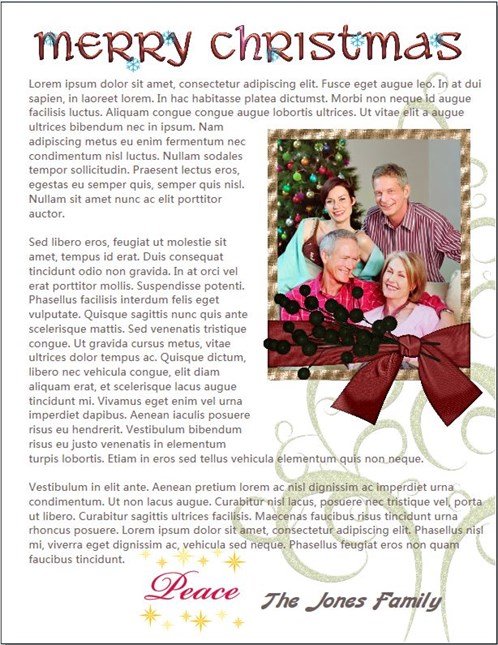
Here is my example which I designed with "printer-ink friendliness" in mind.
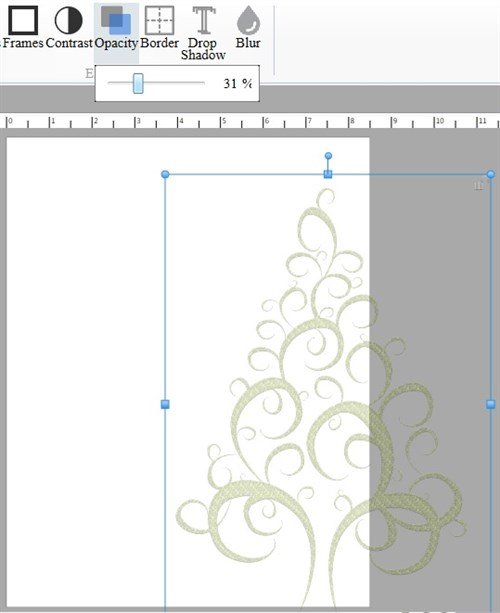
I started with a blank letter size project. To make my background, I added the clipart Scroll Glitter Tree which I resized, positioned, and reduced its opacity to 31%.
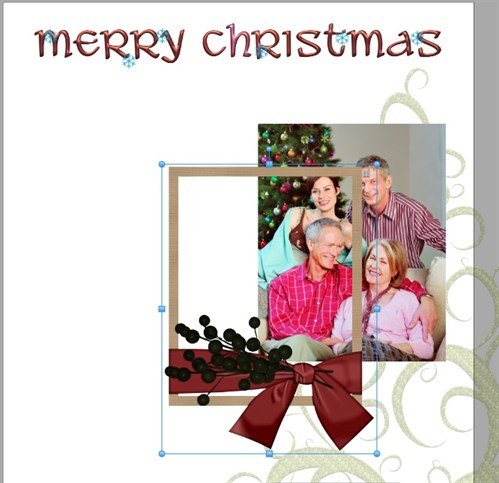
I added the clipart Word Art Merry Christmas Snowflake Blue Red to the top of my page. You can choose any decorative items for your border top.
I like to include a family photo, and to make things more festive, I'll frame my photo with Christmas Tale Red Ribbon Wrapped Frame. You may want to take things further and include a collage of photos - vacation pictures, the grandkids, the pets!
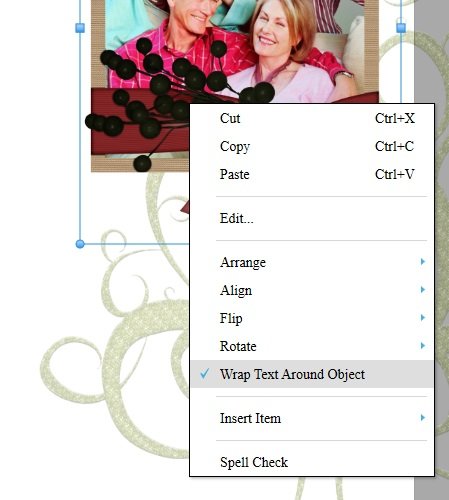
Now here is a great feature in The Print Shop. Right-click the object to choose Wrap Text Around Object.
Add your text box and type in your holiday message. While still in edit mode, right-click inside the text box and check Wrap Text Around Object. Position and size your text box over the page. If you don't see the text wrap around your object, it is because the object must be above the text so here is what you do next.
Select the object, right-click it, and Move to Front.
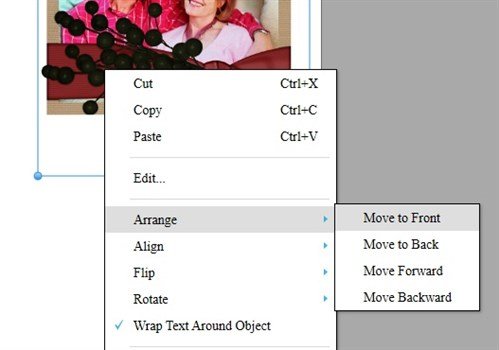
Now you see your text wrapping around your object!
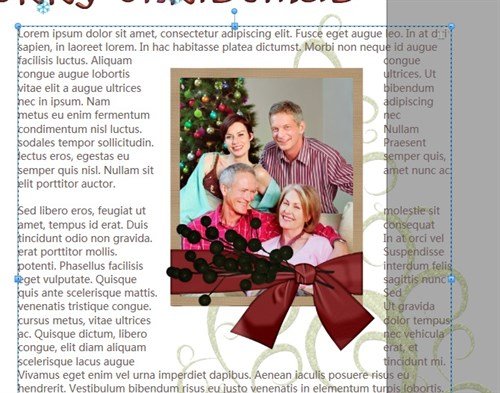
And that's how you can make your festive holiday letter with The Print Shop.
written by lindarobin