
Custom Photo Card for the Holidays
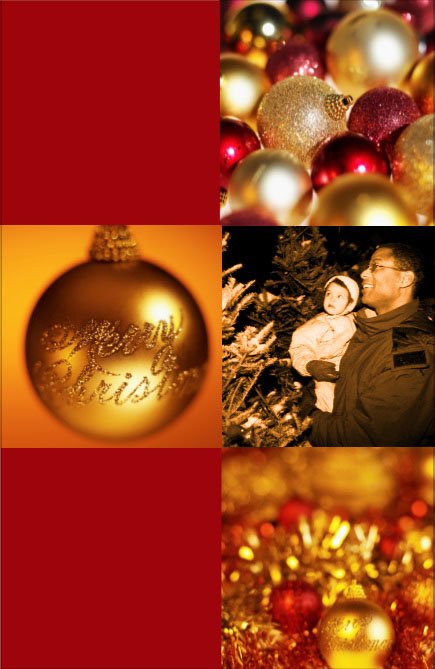
Use a Ready-Made template from the Greeting Cards gallery, for a fast holiday card customized with a family photo. Follow along to see how this card was made.
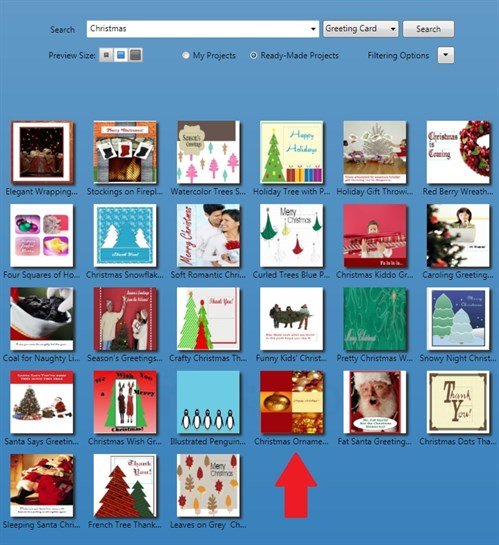
Go to the Ready-Made Greeting Card templates. Type "Christmas" into the Search box. Choose the template called, "Christmas Ornaments".
This is a side fold card that will print on standard 8.5 x 11 card stock.
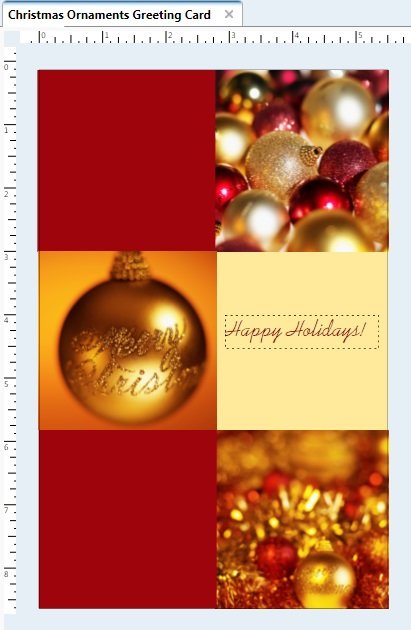
Click the text box and delete it as we will be replacing it with a photo instead. Add your photo via the My Photos button.
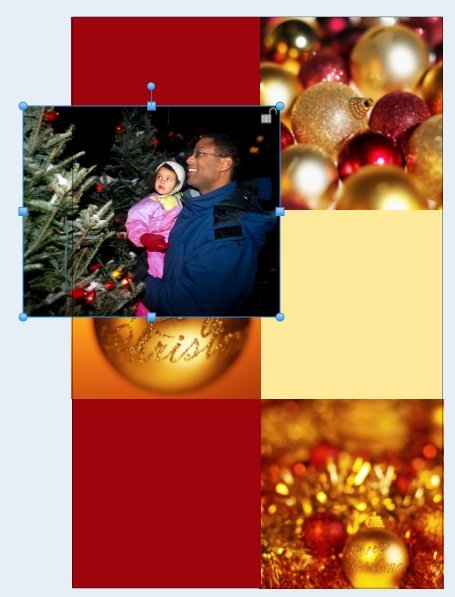
Right-click your photo and Move to Back. Now you can slide the photo into place.
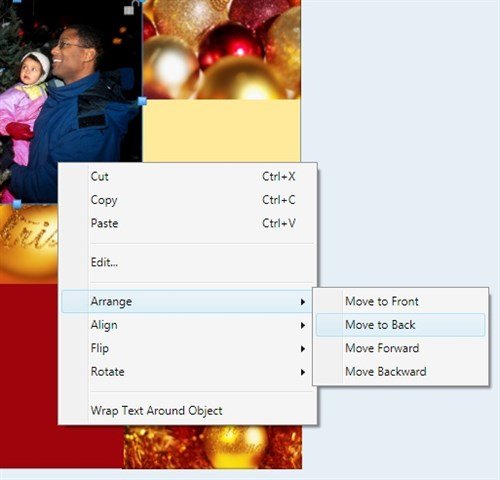
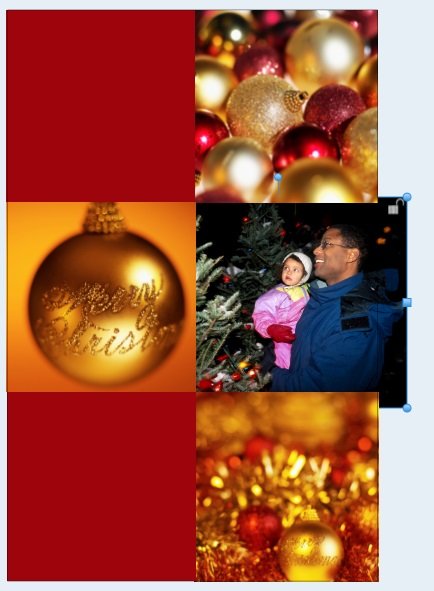
Adjust the photo's size as needed. Because the photo is on the bottom layer, it fills the area perfectly - no cropping necessary! You can ignore any parts that go past the project's boundaries because nothing will print there.
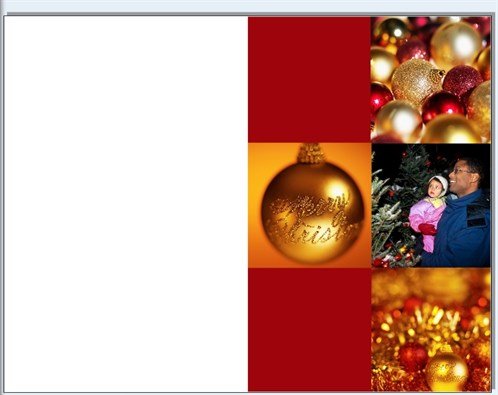
The Print Preview shows how the back and front of the card looks when printed. (In this demo, I have left the back of the card blank.)
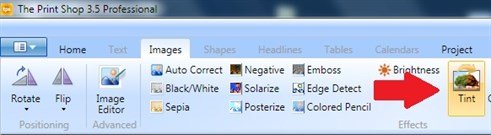
If you feel the colors of your photo clash with the rest of the card, here's a tip. Try the Sepia or Black/White options in the Images tab, or apply a color wash using the Tint button.
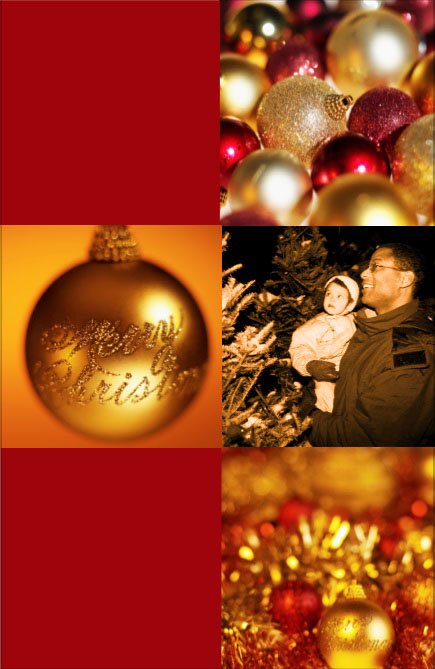
There are so many pre-designed cards that with the addition of a personal photo, can become extra special.
written by lindarobin