
Easy e-mail greeting
Here is an easy way to create a fun banner that you can insert right into your email message from your Print Shop project. No email attachment required.
Start a new sign project. Add some clipart.
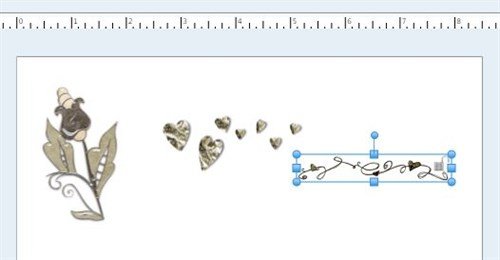
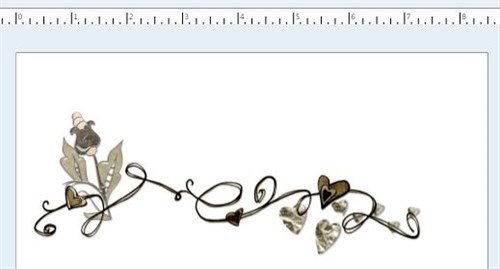
Resize and arrange your images.
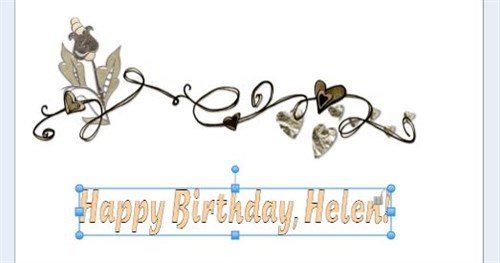
Add a Headline message, for example:
Do a Print Preview. Adjust viewing size to the size you wish it to appear in your email.
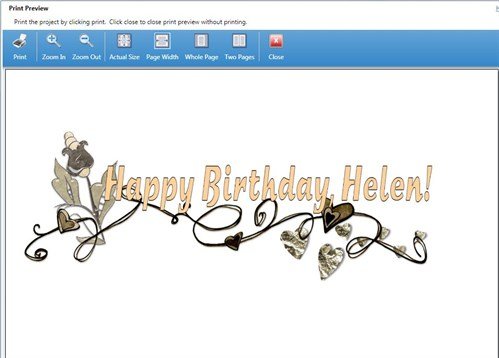
Open Windows Snipping Tool.
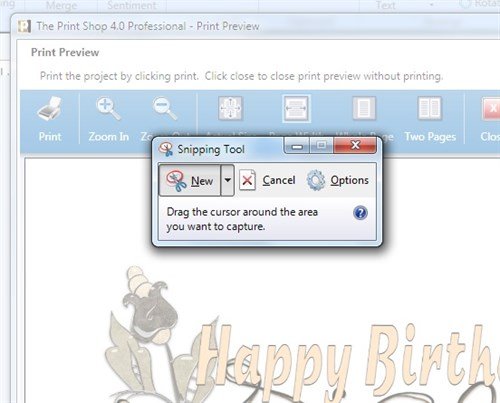
Create your snip, then Edit > Copy or Ctrl+C.
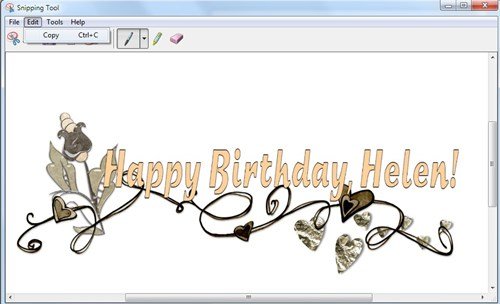
In your email program, start a new message. Click inside the message box and Ctrl+V (paste). The snip appears in the email message. Hit Enter and type the rest of your email. Your recipient will enjoy this special custom greeting!
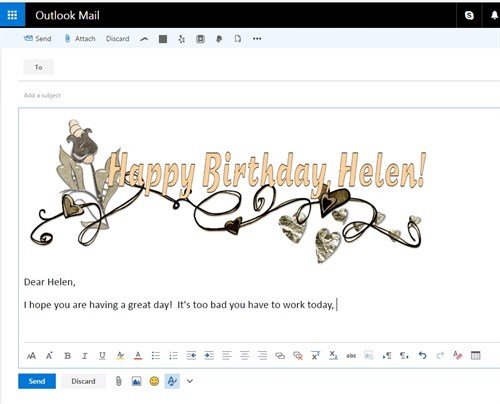
This works with Outlook, Yahoo, AOL, any email program that accepts a pasted image.
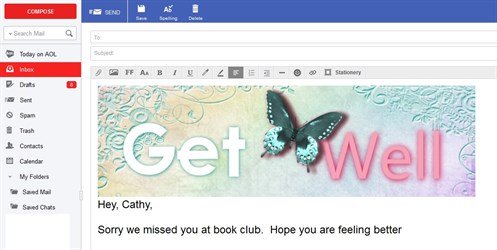
Try making your own, whatever the occasion!
written by lindarobin