
Easy Photo Borders
Here's an easy way to add a decorative border to your photo. Instant frames snap to fit your photo!
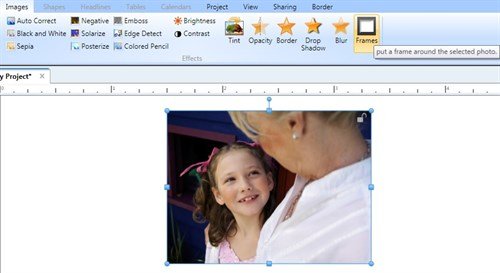
Open a new project and add your photo. With your photo selected, click the Frames button in the Images Tab.
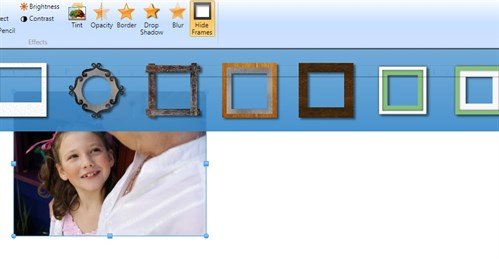
An assortment of frames are displayed. Click on one and it will instantly appear around your photo.
I've selected three different frames to show three different ways my photo can be showcased.
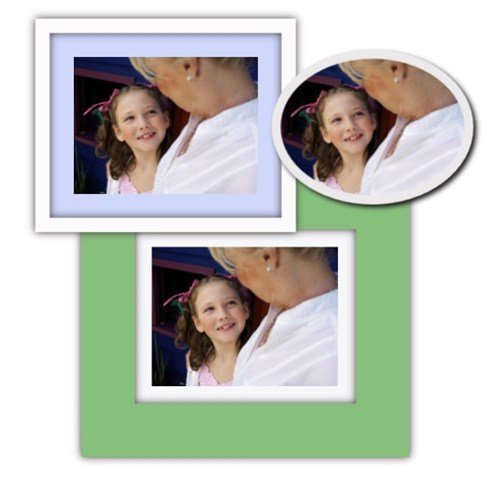
Here are three card designs using my framed photos:



A framed photo makes a great personalized card!
Great gift idea: Several identically framed photos on one page make a sophisticated photo collage.

written by lindarobin