
Fun Photo Card
Cards are nice to give, but you want yours to be special, not just something anyone can buy at a dollar store. What better way to make your card truly unique and from the heart, than by adding a personal photo that brings back happy memories.
And who would most appreciate such a card - your grandmother! I have hand-picked a perfect card template for her that I hope you will enjoy using.
You will need a photo of your grandmother, preferably with you in it, too. It may need to be cropped so the people will be in the center and there is suffucient background surrounding them. This is easily done in MS Paint or Windows Live photo gallery.

You will also need regular letter size card stock, a scoring tool, and a good paper cutter.
Start a new Greeting Card project. In the Search box, type keywords, "Baby Blue Regal". Download the Regal Blue New Baby Congrats card template.
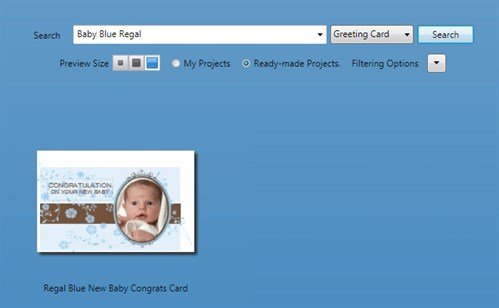
It is a 8.5 x 5.5 card when folded - a nice size for Grandma who will appreciate the bigger card for readability.
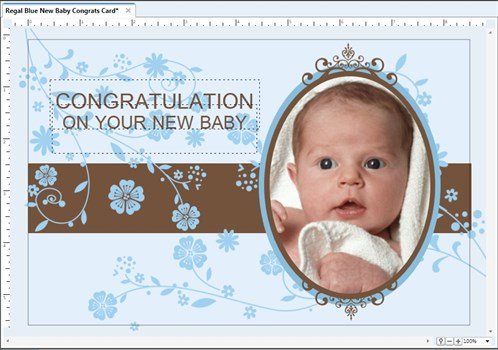
Delete the text boxes and the baby picture. Add a happy birthday title.
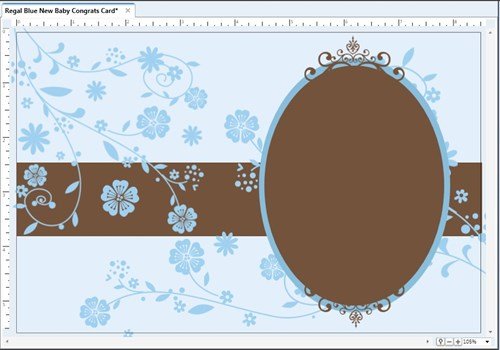
Now here is the fun part. Click the brown oval and change the fill to Fill with My Image.
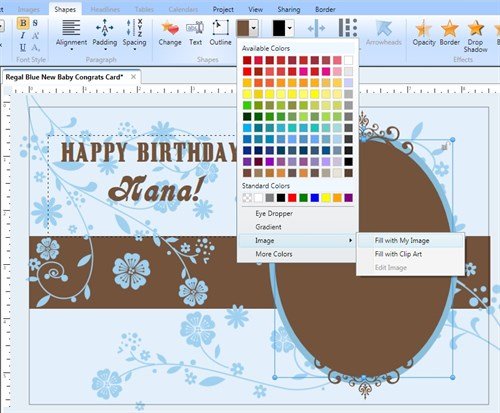
The Photo Gallery opens. Click Import and browse to where your photo is stored. When the photo appears in the gallery, click it.
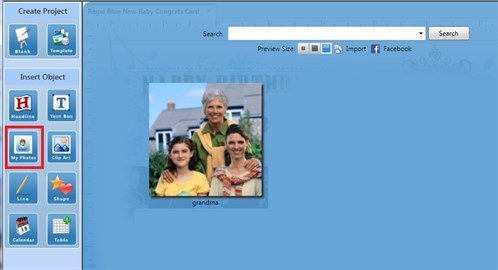
Back in the work space, your photo appears perfectly filling the oval shape!
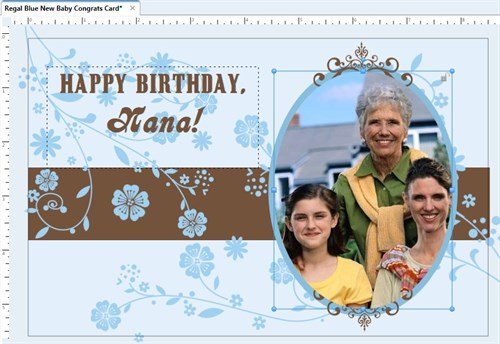
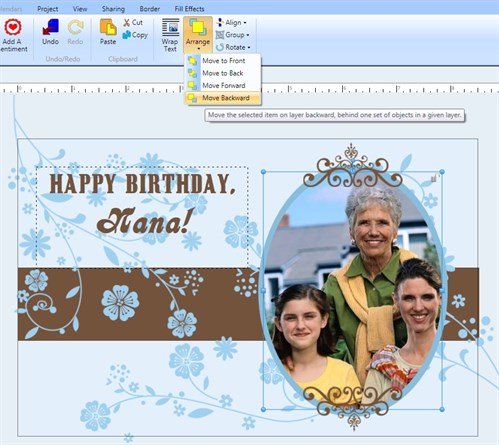
One small tweak: Let's move the photo behind the decorative swirls via the Arrange tool.
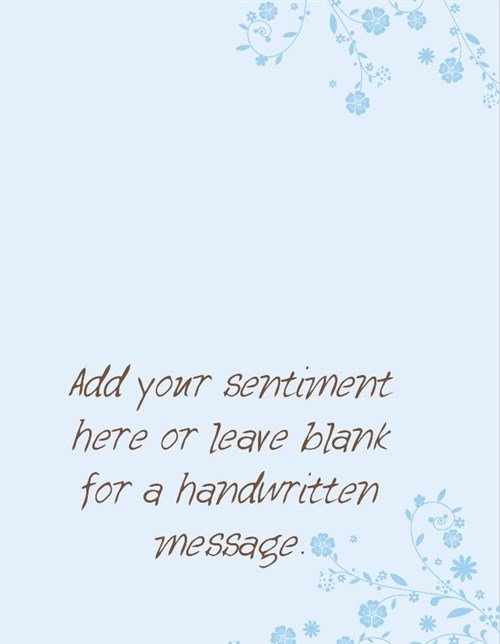
Go to the inside of the card to add your sentiments.
The printed insides will look like this:
The printed outsides will look like this:
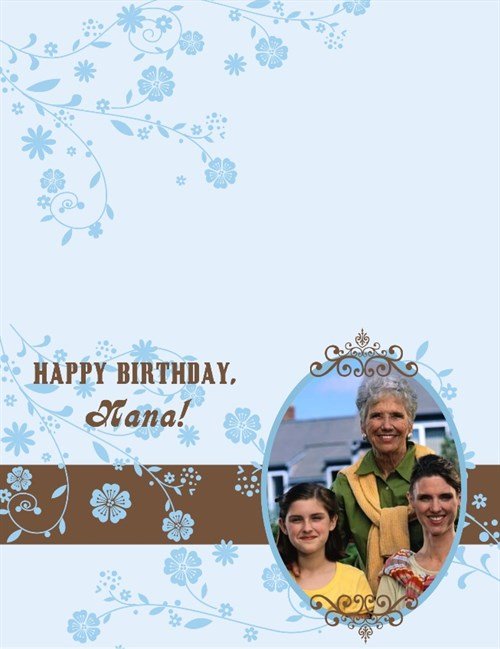
After printing, score the paper, fold, then cut off any white margins for a full-bleed look. A gorgeous card she will cherish!
Tip: If your printer cannot print close to the edge such that the white margin cuts off too much of the design, move important elements in towards the center, esp. text and photos.
written by lindarobin