
How to make your old projects compatible in new programs
You have projects that you created in older versions of The Print Shop, on your old computer. You bought a new computer with Win 8.1. Since your old version of The Print Shop won't run on your new computer, you installed The Print Shop 3.5.
But what if your projects are older than version 21? Even though they are too old to be opened with TPS3.5, there is a work-around.
The JPG file format is compatible with all graphics programs, on all computers, so let's create JPGs from your old projects.
Boot up your old computer and open your old Print Shop program. Open a project.
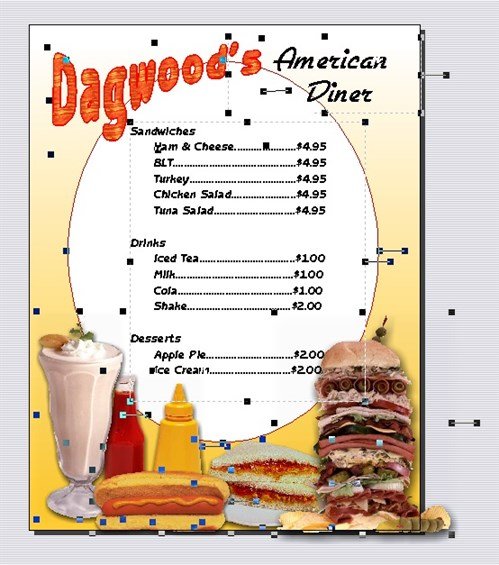
Remove elements that you don't want to be permanent. In this example, I want to be able to change my menu items and prices, so I delete this text box.
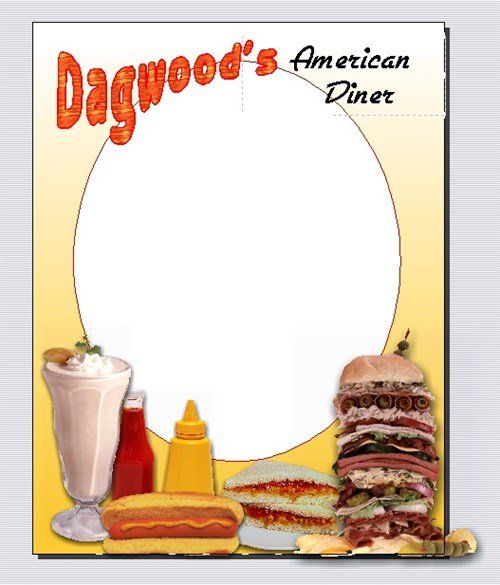
Everything else, I want "fixed", so I am ready to create my JPG.
File> Export As... brings up the Export As dialog box.
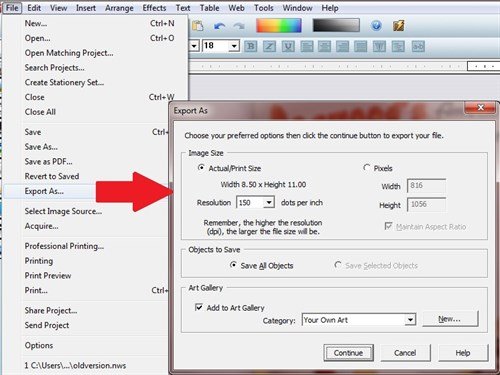
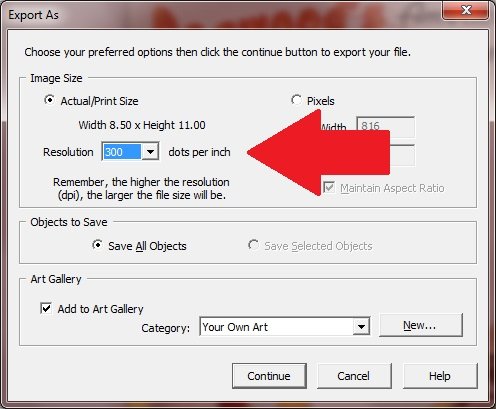
Change the resolution to 300 dpi, necessary for high quality printing.
Give your JPG a name. Save as type: JPEG or jpg.
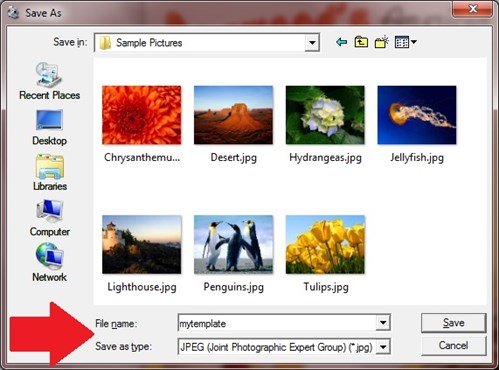
I suggest you save it on a memory stick so that you can easily transfer your JPG file to your new computer.
On your new computer, open TPS3.5. Start a new project. Click the My Photos icon to import your JPG. If you have already experienced adding photos to your projects in this program before, you'll notice that the procedure is exactly the same.
Browse to where your JPG is stored (memory stick) and select the file. Its thumbnail is added to the Photos Gallery. Click on it and the JPG appears in your project.
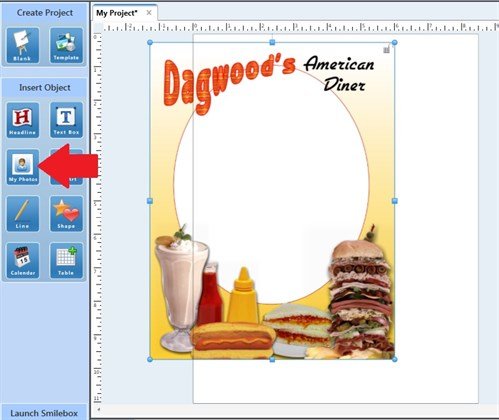
Size and position your new graphic. Add your updated information.
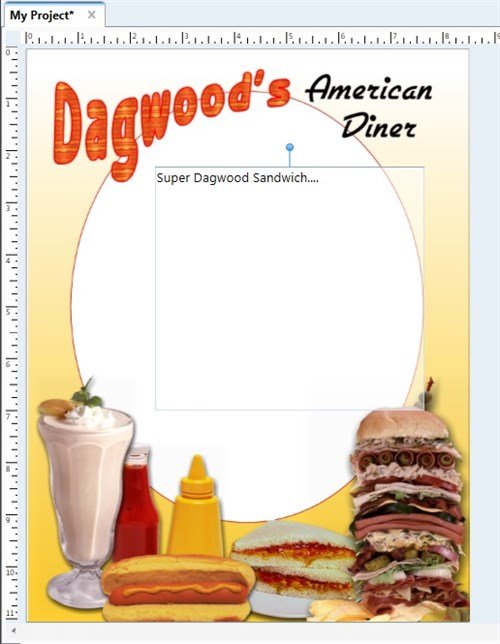
Save your project.
Tip: From your old project, you can copy/paste text into a NotePad file, then bring that over to your new computer where you can copy/paste that text into a new text box.
written by lindarobin