
Making a sign with tear-off tags
Do you have something to sell and you want to make a sign/ poster to put up on a community bulletin board? Whether it's for babysitting services, piano lessons, a lost cat, or selling a car, The Print Shop is great for making signs with tear-off tags so people can take the info with them and contact you later.

Start a new sign project. Add your graphics and description. Add a text box and type in the info you want on each tear-off tag. Add dashes for where you will separate the tags with cuts.
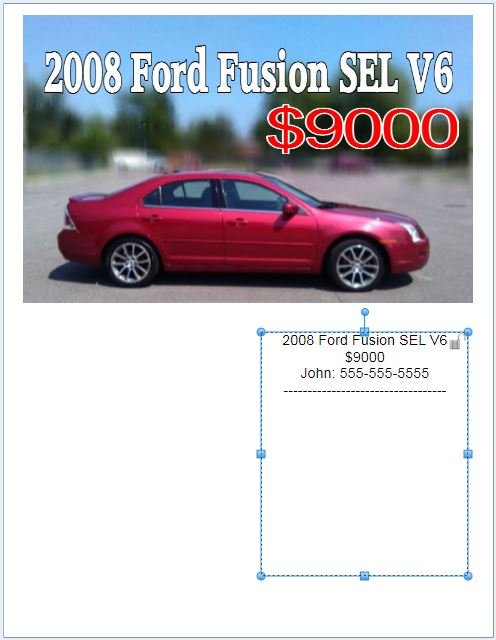
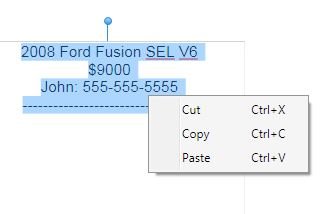
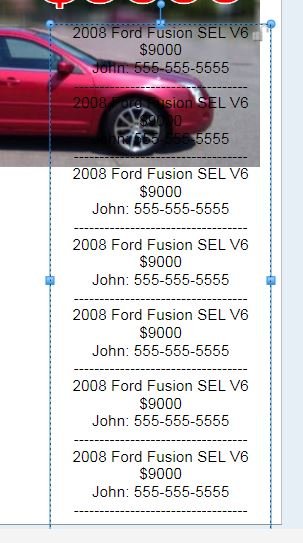
Lengthen the text box so there will be room to add several copies of the tag info. Highlight the block of text and copy it (right-click and choose Copy). Paste it (right-click and choose Paste) several times, down the length of your text box.
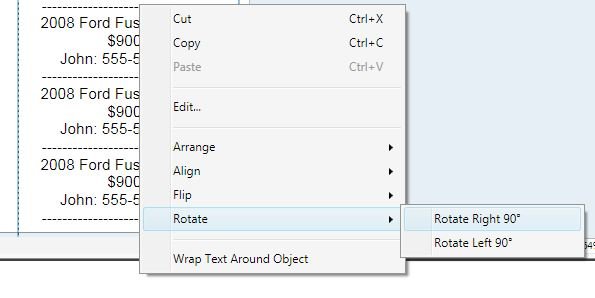
Right-click the text box and select Rotate. Choose right or left, whichever you prefer.
Position the text box near the bottom of the page. Print.
To make the tags easy to tear off, crease the sheet by making a fold above the tags. Cut along the dashed lines up to the fold, to separate the tags.
Note: At the time of this writing, the shortcut keys for copy/paste remove any line breaks. QA is working on it. In the meantime, please use right-click to choose copy/paste from the menu.
written by lindarobin