
Many on One Page
Here is an easy way to print many of the same thing on one sheet of paper. My tip is: Use a Label Sheet project. They are not just for making peel-off sticky labels. With Label projects, you create one design and that gets printed multiple times on the same sheet of paper.
For this demonstration, I will make price tags for a handsewn item being sold at a craft show.
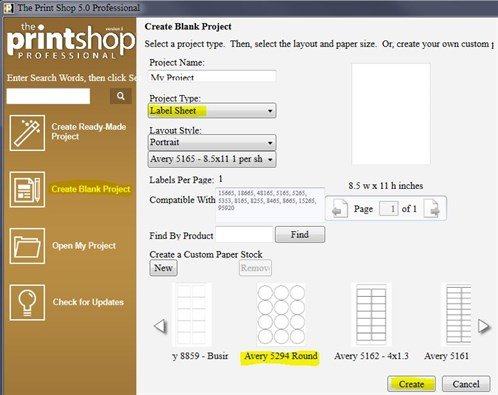
Start by creating a new blank project, choose Label Sheet. For this demonstration, I am choosing Avery 5294 Round labels because this will give me 12 on a page, (not because I require round stickers.)
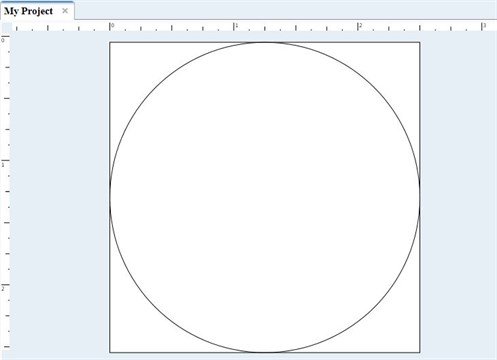
My work space appears. I will ignore the circle boundary because I am not going to make a round design.
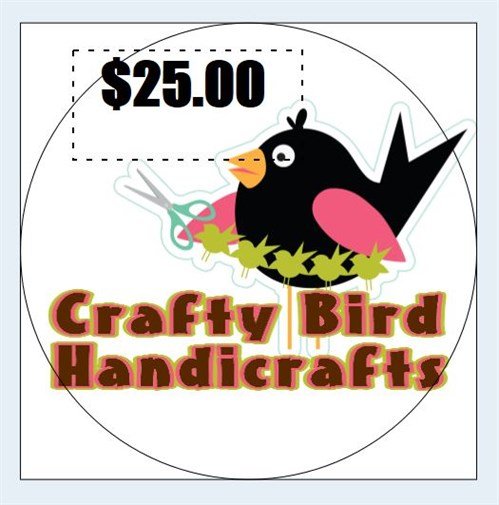
I add text and images from the Clip Art gallery.
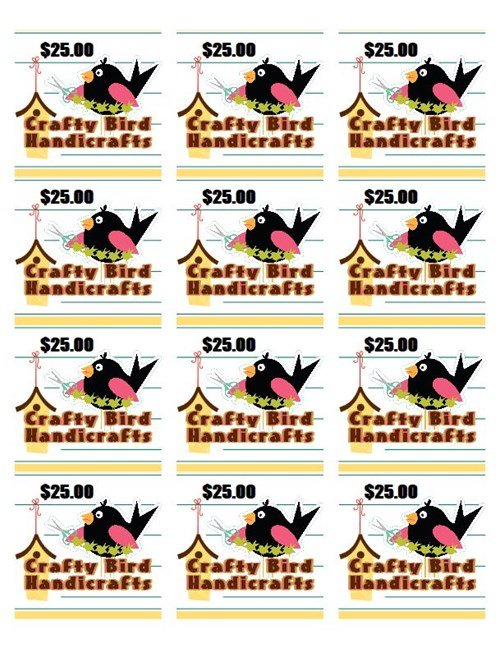
After I finish my design, I am ready to print. Here are my 12 price tags that I will cut apart. These tags could also include contact info and business logo, so that the tag promotes your business, too.
The Label Sheet project is a great way to make many identical coupons, mini-cards, craft pieces, and holiday gift tags.
written by lindarobin