
Poster Printing
Print a big poster with your desktop printer. The Print Shop 3.5 makes it easy to enlarge your poster design to cover 4 or 9 sheets of letter size paper.
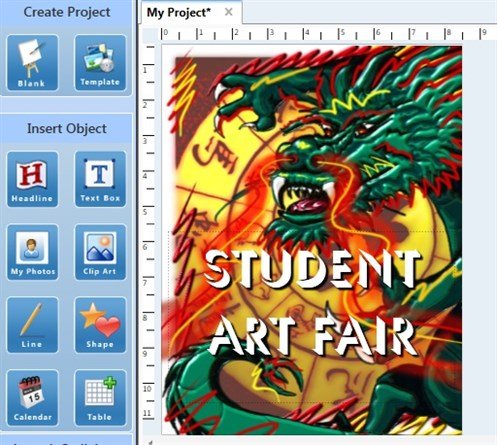
You don't have to worry about creating a big canvas size. Just start with a new sign project, portrait orientation, letter size. Add your images and text.
In the Print Dialog Box, make sure the paper size is set to Letter, then click the Output Size button.
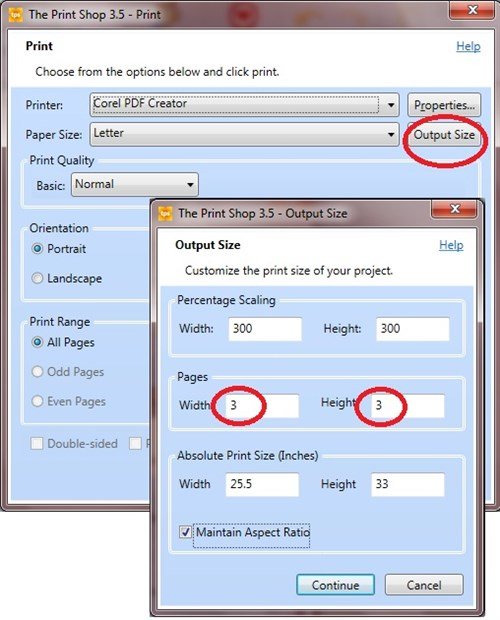
In the Output Size Dialog Box, increase the number in the Pages section. In my example, I have typed in 3, so my poster will be 3 pages wide and 3 pages high (a total of 9 pages). Click Continue and print all 9 pages. After I tape them together, my finished poster size is 25.5 inches by 33 inches.
written by lindarobin