
Ready-made guides
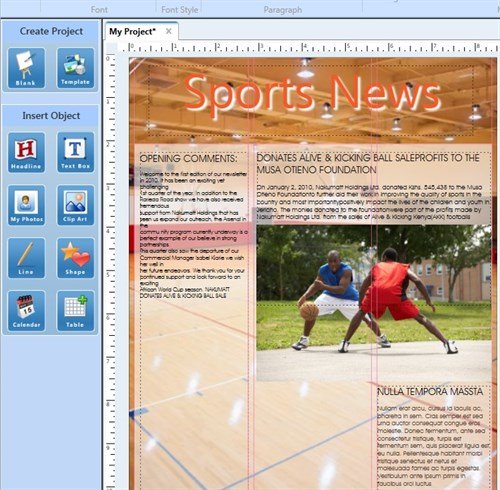
The Ready-Made Guides templates help you position your design elements in columns. Typically, you would need columns in a newsletter, so The Print Shop 3.5 has Ready-Made Guides templates in the Newsletter blank projects. (A Sign project would not have Ready-Made Guides templates.)
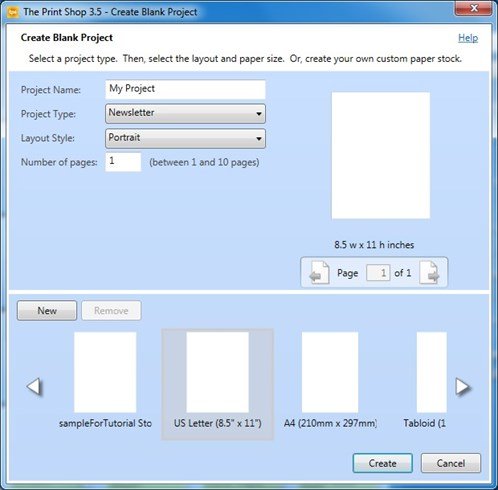
Start by creating a new blank Newsletter project.
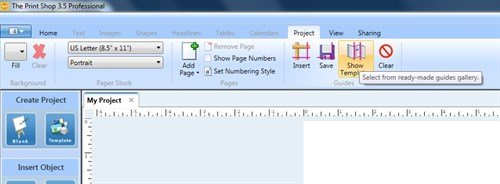
Open the Project tab. Click the Show Templates icon.
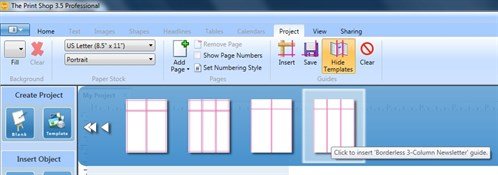
Chose one of the templates.
If the guides don't appear, open the View tab and toggle the Show Guides check box.
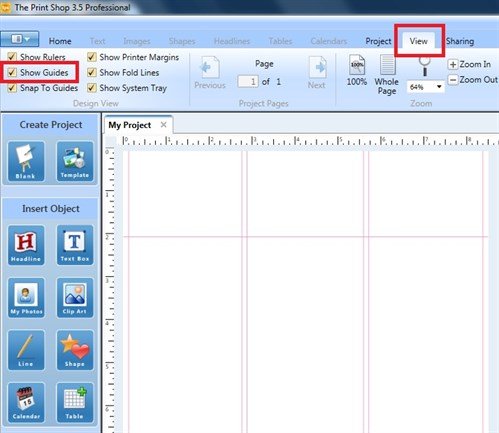
Let the guides help you place your text boxes and design elements. You can span a design element across 2 or 3 columns and still have a clean, easy-to-read document.
written by lindarobin