Special Effects
The Print Shop 6.0 Pro has a number of special effects that can be applied to your photos and other JPG images. They are accessible through the program's Image Editor, but also conveniently available right at the top of your workspace whenever you have a photo/raster image selected.
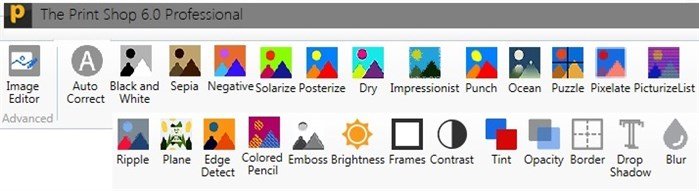
Many of these special effects are simple one-click operations or moving a slider.
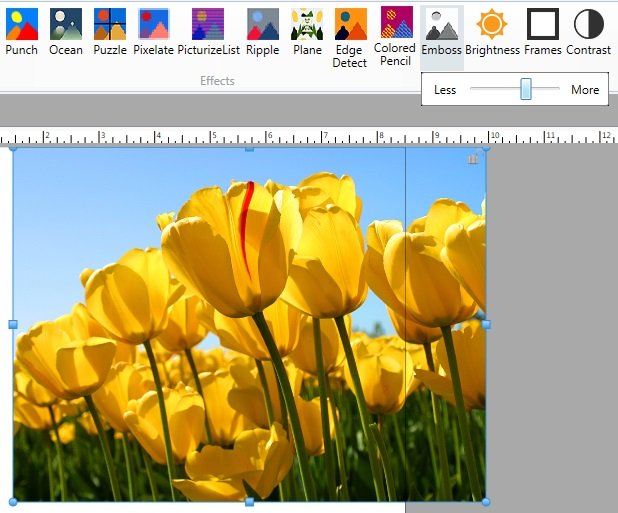
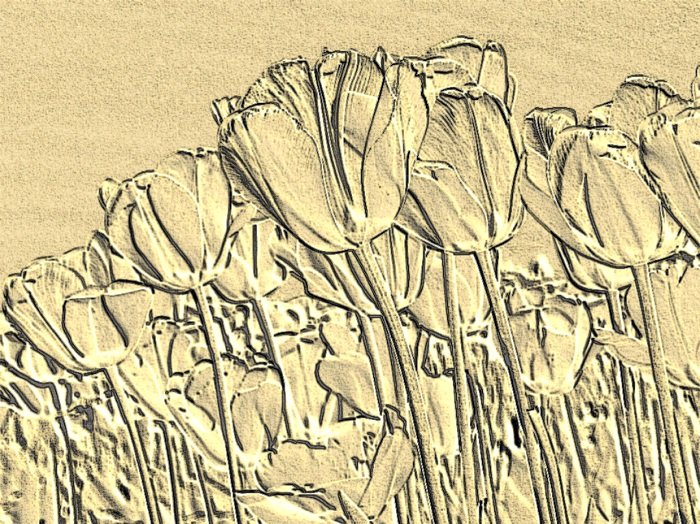
Here is a demonstration of the Emboss special effect.
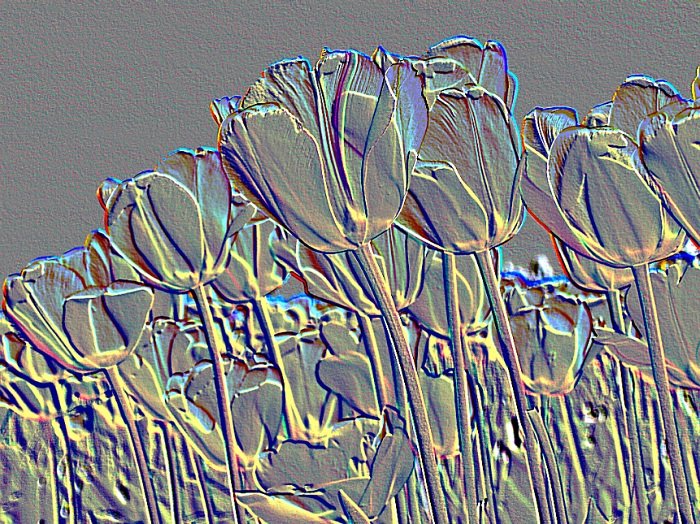
But it doesn't have to stop there! You can apply another special effect to the embossed image. Here I've applied a Tint.
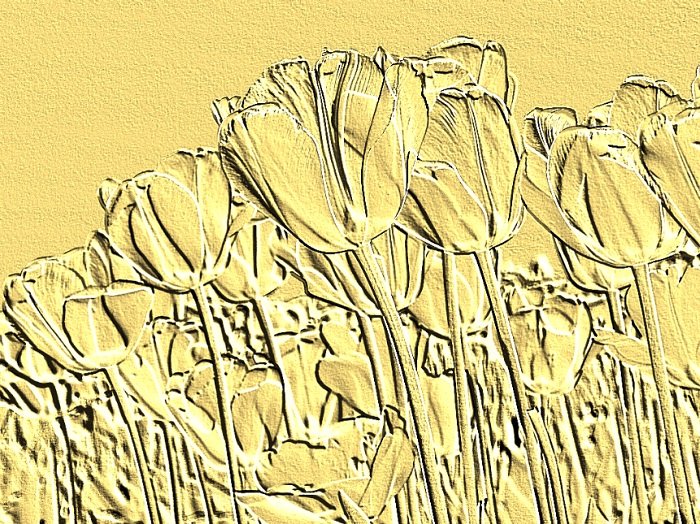
This is the Colored Pencil effect added.
Make it, print it, frame it!