
The Print Shop and Avery Design & Print Online
You can create a custom label stock in The Print Shop to match the Avery label stock you purchased. However, if you can't get accurate measurements to make the custom label stock, you can use Avery's online software, "Avery Design & Print Online" which is a free program that works in your browser.
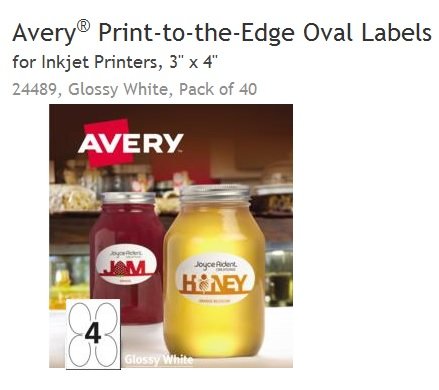
So now you can use The Print Shop's images and tools to create your custom design and save it as a JPG that you can upload to Avery Design & Print Online. I will use Avery 24489 oval labels, 4" wide/ 3" high, to demonstrate.
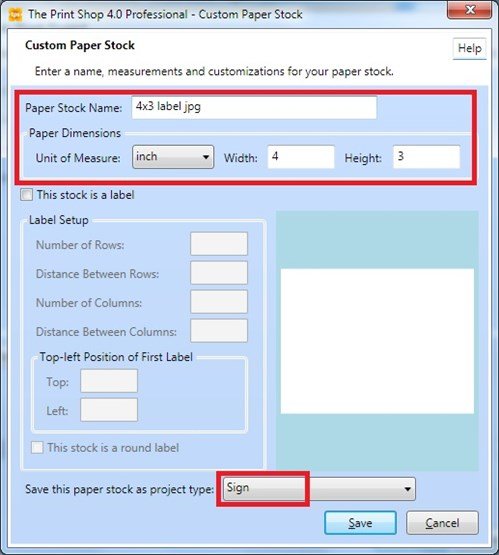
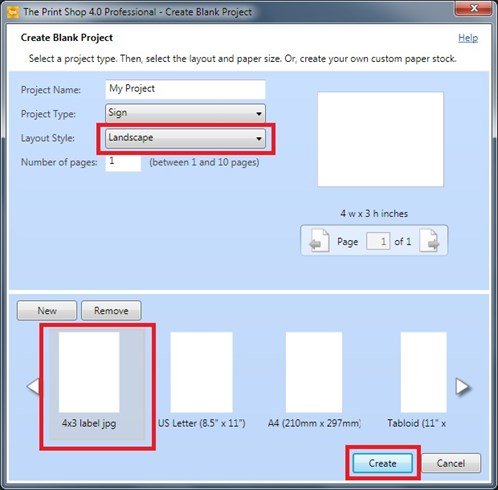
Create a new custom size Sign Project. (NOT a label project)
Using graphics from The Print Shop, I added a background, a semi-transparent shape, and some clipart. I did not add text to my design because I do not want to have text in my JPG. (Text that is converted to JPG does not print as sharp as actual text.)
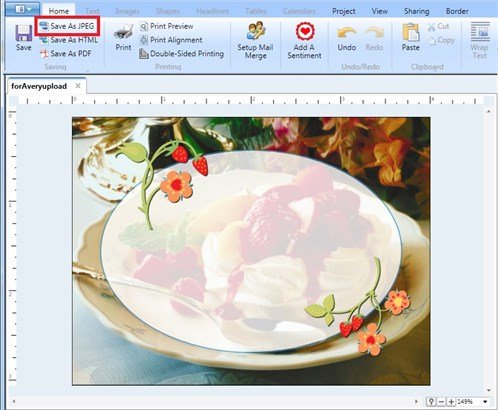
Save as high resolution JPG.
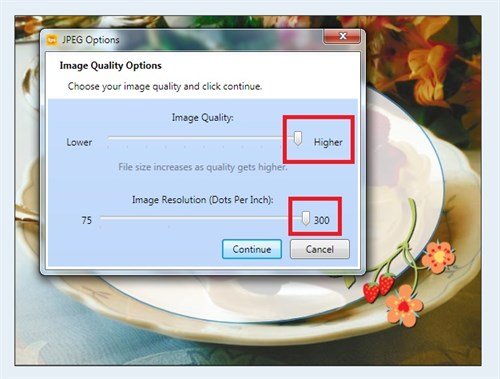
After saving my JPG, I close The Print Shop program. I open my web browser and go to the Avery site and proceed to Avery Design & Print Online.
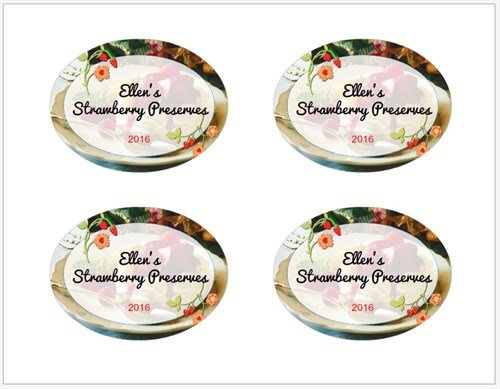
Explore the program on your own and you will see how easy it is to specify your Avery product number and upload the JPG you created with The Print Shop, to that product number's template. You can use the text tools here, as I did, so that the resulting PDF has embedded fonts. Printing this PDF onto my 24489 stock gives me four perfect labels.
written by lindarobin