
Adding Shapes
- To add a shape to the page canvas, click on the Shapes and Lines section of the Ribbon Tabs and click the Add Shape icon, choose Insert > Add Shape or Line from the menu, or click on the Add Shape or Line icon
 on the toolbar.
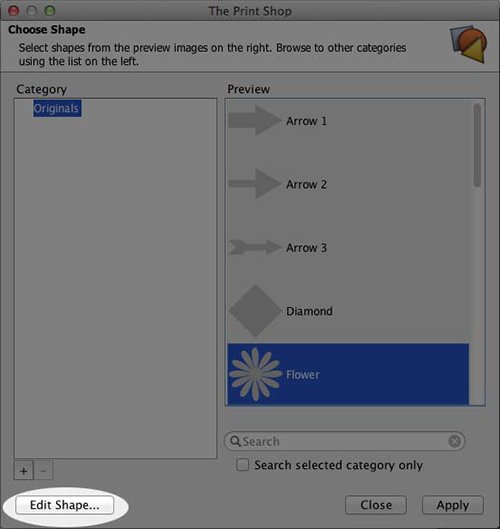
- Select your desired shape.
- Click Edit Shape. Edit the shape by clicking on the lines or moving anchor points., to resize the shape.
- Once you create the shape you like, click Ok.
- Name your new shape.
See Editing Shapes for more information on modifying shapes.