
Page Spreads
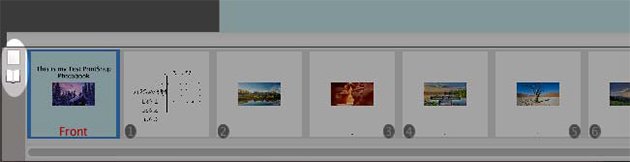
Enable spread view by clicking the Spread icon next to the thumbnail viewer at the bottom of the canvas. (You can also enable this feature through the View menu.)
Notes:
Your project type needs to be a Scrapbook Project for this feature to be enabled. If you do not see the Spread icon next to the thumbnail viewer, then your project is not a Scrapbook Project and needs to be converted to use this feature.
To Change Product Type
- Open the Edit menu at the top of the software.
- Choose Change Project Type/Size.
- Under Project Type, choose Scrapbook Pages.
- Click Ok.
Page Object Import
- Click on the Insert menu at the top of the software.
- Choose Import from My Projects.
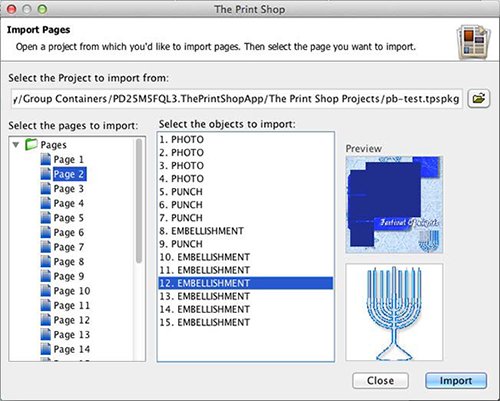
- Choose an album, page, and then object to import.
- Click on Import at the bottom of the window.
Notes:
The album you are importing from needs to match the type and size of the album you are importing to