
Photo Cache
Choose the settings for thumbnail caching.
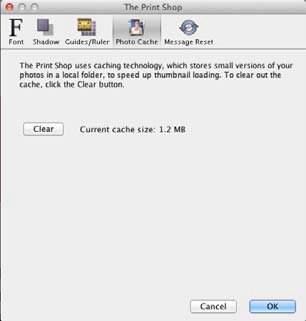
The Print Shop uses caching technology, which stores small versions of your photos in a local folder, to speed up the displaying of thumbnails.
- To change where the cache is located, click the Browse button, click a folder name in the Select Cache Folder window, and click the Select button.
- To clear the contents of the cache folder, click the Clear button. This will free up space on the hard drive, but thumbnails will take longer to load.
- To disable the cache, clear the check next to Use Cache. Note: disabling caching will slow down the display of thumbnails.