
Check for Errors
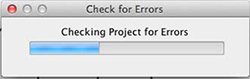
The project error check searches the project for potential problems and displays a list of any errors it finds. This function primarily searches for corrupt objects, missing files, and photos and text that extend beyond the edge of the page canvas.
- Open the Shapes and Lines tab under Ribbon Tabs.
- Click on the Add Line icon.
- In the Line Editor dialog select one of the starter lines.
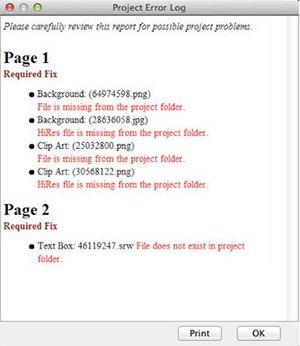
Common Errors:
- File is missing from the project folder. If you receive this error, it is because an object file (photo or text) is missing. If the project is missing a large number of objects, contact Technical Support for assistance (http://support.encore.com/). If there are only a few missing objects, make a note of the missing objects' locations or print the error log, locate the missing objects on their respective pages (photos will be replaced by a dark gray box and text by a yellow box), and replace them with the original file or text.
If you have questions, go to the support Web page at http://support.encore.com/