
Photo Album
IMPORTANT: There is a 26 page minimum and100 page maximum for bound photo albums.
After choosing Photo Album, the Photo Album Wizard will appear.
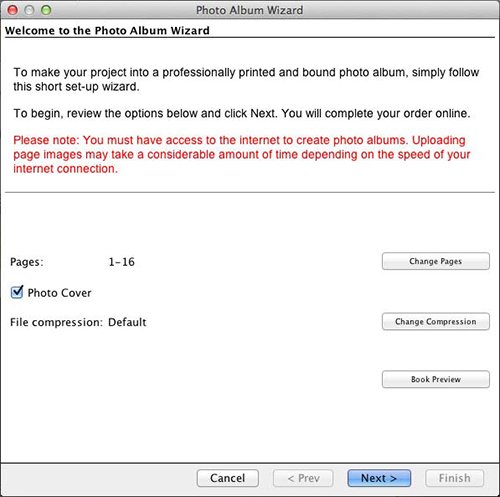
- Click on any button to customize settings (described below).
- Clear the check in the Photo Cover box if you will not be using your first and last pages for the front and back covers of the book.
- Click the Book Preview button to check the photo album.
- Click Next when you are satisfied with the settings.
After clicking Next, see the next step after the Photo Album Settings topics, starting with Book Spine Options.