
Calendar
After choosing Calendar, the Welcome screen of the Calendar Wizard will appear.
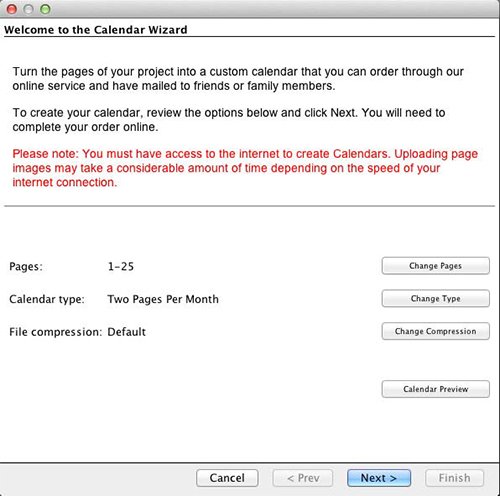
- Click on any button to customize settings (described below).
- Click the Calendar Preview button to check the calendar.
- Click Next when you are satisfied with the settings.
After clicking Next, see the Summary step after the Calendar Settings topics.