
Adding Holidays and Other Events
Adding a Holiday
To add Holidays to your calendar, do the following:
- Click on your Calendar.
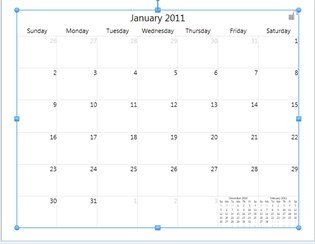
- The Calendar Tab will display.

- Click on the Add Holidays button.
- Choose either US Holidays or Canadian Holidays and the Holidays will automatically appear on your Calendar.
Note: If a holiday you would like to add is not listed or one is listed that you do not want on your Calendar please proceed to the section below on Adding and Removing Events.
Adding and Removing Events
To add Holidays to your calendar, do the following:
- Click on your Calendar.
- Double Click on the day you'd like to Edit.
- This will give you a cursor where you can type out the name of your event. Or if there is an unwanted holiday, delete it by using the backspace key.