
Calendar Font Tools
Calendar Font Tools control how the text and numbers appear on your Calendar. To change your Font do the following:
- Click on your Calendar.
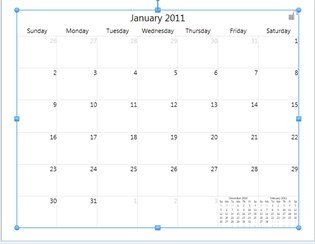
- The Calendar Tab will display.

- Here you can change the font of the Month or the Days.
- Just like in the Text font section of this user guide you can change the font, the size of the text, and the color of the text.
- The difference for calendars is:
- The Month font takes care of The Month Title. i.e. Jan, Feb, etc.
- The Day font includes the days of the weeks and the numbers inside the days. i.e Mon, Tues, Wed, 1, 2, 3, etc