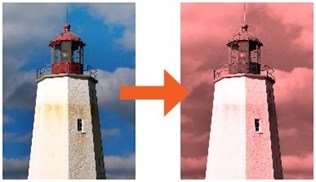
Photo Effects
Photo Effects can be applied using the Effects bar in the Photo Editor. The effects bar is only available in the Professional version of The Print Shop 3.0.

Click the links below to see samples of what each effect has on a photo.
- Auto Correct
- Black / White
- Sepia
- Negative
- Solarize
- Posterize
- Emboss
- Edge Detect
- Colored Pencil
- Brightness
- Contrast
- Tint
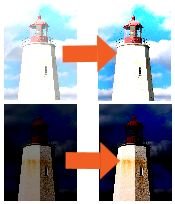
Auto Correct
When your photos are too bright or too dark, you can use the Auto Correction Button to rebalance the color levels to restore your photo to a regular level.
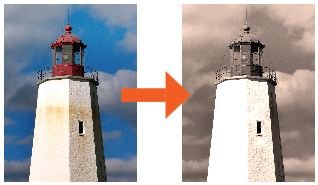
Black/White
Transforms your picture from a color photo into a Black and White photo.
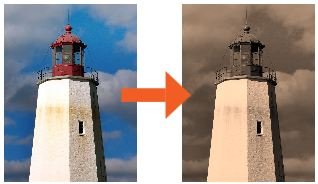
Sepia
Transforms your picture from a color photo into a brown and yellow photo to make it appear aged.
Negative
Transforms your picture from a color photo into what your photo would look like on film from a camera that had not been developed yet.
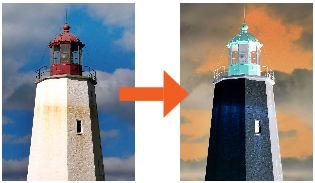
Solarize
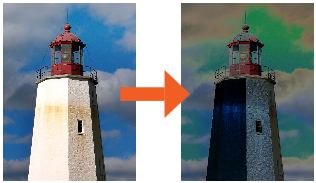
Posterize
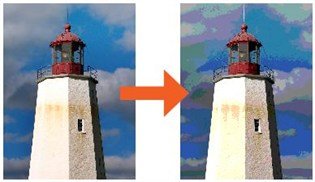
Emboss
Transforms your picture into an embossed texture.
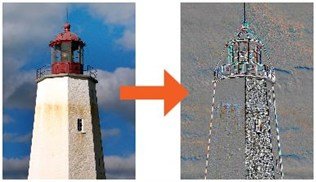
Edge Detect
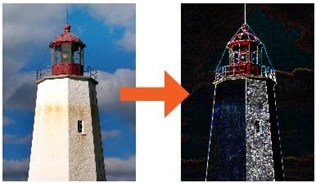
Colored Pencil
Transforms your picture into a picture that looks like it was colored by colored pencils.
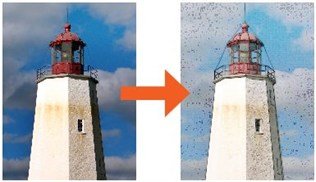
Brightness
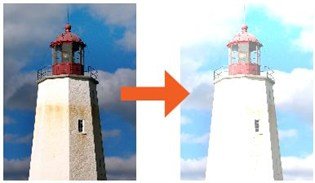
Contrast
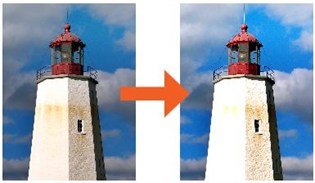
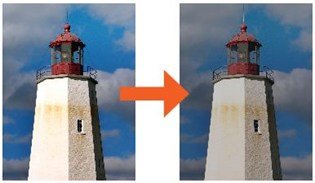
Tint
Transforms your picture from a color photo into a Tinted Photo based on the color you choose.