
Wrapping Text Around an Object
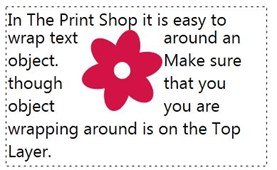
To wrap text around an object:
- Open a project where there is both an object like an image and a text box.
- Use the layering tools to move your text box to the Front or Top Layer
- Click on the Home Tab

- Click on the Wrap Text Button.