
Posting a Project to Facebook
Facebook is a social networking website where people gather together to share experiences. You can also share projects that you have created with The Print Shop using the Sharing Tab.
To Share your Project on Facebook:
- Click on the Sharing Tab.
- Click on the Post to Facebook Button.
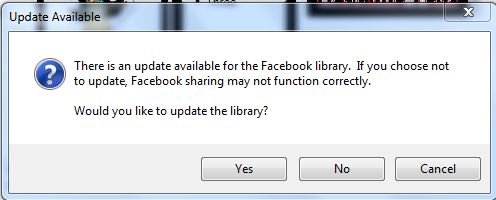
- If you are prompted to update the library click on Yes.
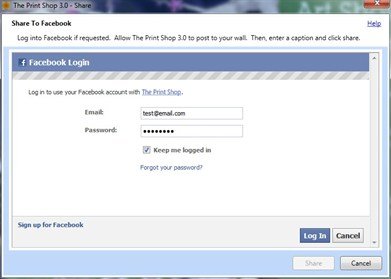
- Log in to Facebook.
- Enter a comment or description of your project.
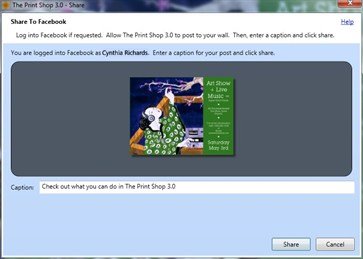
- Click Share.
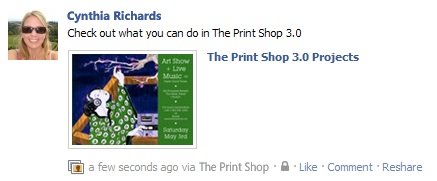
Your Project will then be uploaded as a JPEG to Facebook and posted on your Wall.
Now that you're finished and have shared your project, did you remember to: