The Project Gallery
The Project Gallery contains thousands of Ready-Made Layouts for projects that you can modify or print as is. The Project Gallery displays when you want to create a project from a Ready-Made Layout. You can also save your own modified projects and open projects in the Project Gallery.
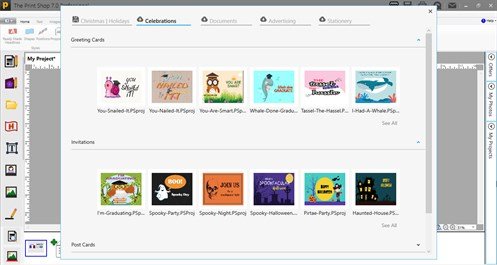
To use the Project Gallery you will select a Project Category from the New Project Wizard.
Once you are in the Project Gallery there are several options available to you:
- Change the category of the project you are working on by using the project type drop down menu.
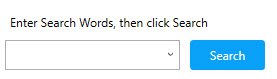
- Filter the projects by entering words into the search, such as Birthday, Wedding, Anniversary
- or by using the "Filtering Options" drop down menu. Select your options for each field and click on "Apply Filter". Notice the filter options are improved for The Print Shop 7.0
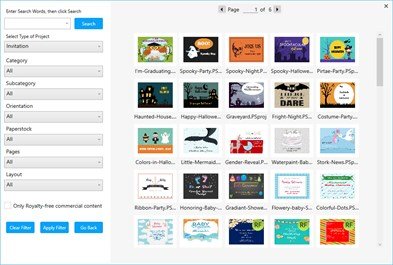
- Use the page turner to view more projects that match your search criteria.
- In the Professional Edition of The Print Shop 7.0, you can create ready-made projects using royalty-free commercial content.

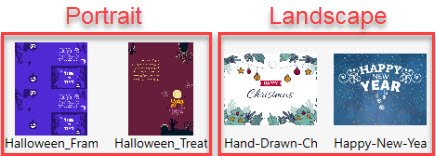
- While browsing the Project Gallery, notice the thumbnail for each project is displayed in their respective orientation. Now you can easily locate a project template using either 'Portrait' or 'Landscape' layout styles.