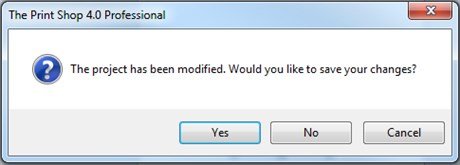
Closing your Project
To close a project all you need to do is click on the small "x" on the project's tab. This will close your active project but leave The Print Shop and your other projects open.
You can also switch to inactive projects by clicking on their tab and then clicking on their "x."

You can also Close all open projects by closing The Print Shop 4.0 completely. To do this you can click on the "x" in the top right hand corner of the program.
Note: When you close a project you will be prompted once to "Save your Project." Unsaved projects cannot be recovered. It is recommended to save your projects often as you may have forgotten a small change you made to a different active project that you are about to close.