Enhanced User Interface
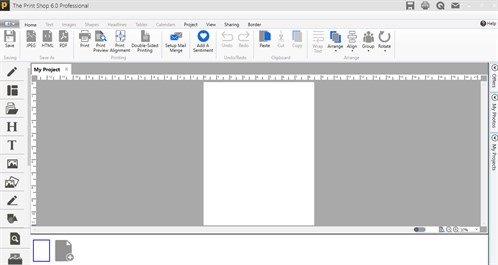
We have improved the UI of TPS v6 by changing its theme and make it look alike Window 10. The purpose behind changing the user interface of our product is, at today's time, more and more people are window 10 users, so to go with the flow and to match the compatibility of window 10, we have made the following changes:
Theme changed:
We modified the theme to windows 10 and to give TPS v6 a completely new look, we use a third-party theme i.e. Metro App. By applying this theme our product looks totally different from other TPS products. Now it looks like Windows 10
Animation on Windows Opening:
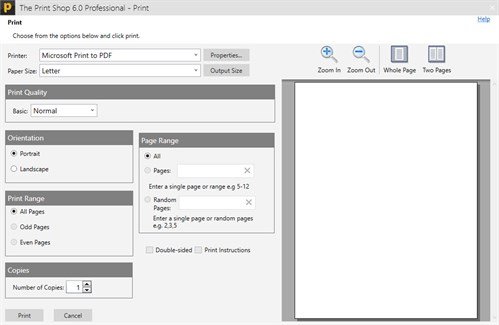
In the opening of every Window in Print Shop 6.0, the animation is added, which slides the respective window from right to left.
Flat Buttons and Icons as per Windows 10:
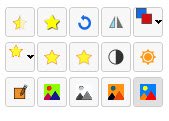
Nowadays, flat buttons and icons are in trend and very much liked by all, so we have changed our buttons and icons as per Windows 10 theme
New Ready-Made Project Window:
In this version, we have updated, the home window of ready-made projects. We add new ready-made project tabs in this window so that, users can easily find his/her related templates
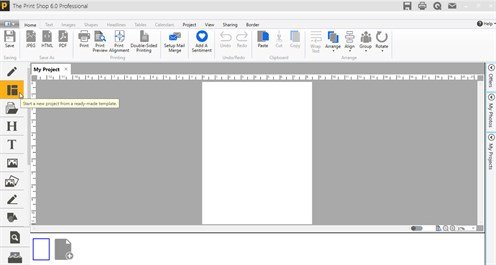
After click on ready-made project selection button.
pic here..
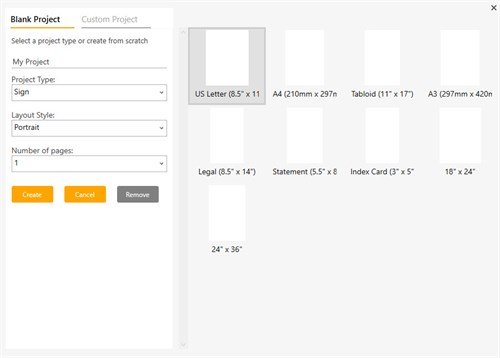
New Blank Project Window:
In this version, we have updated, the blank project windows for the ease of users. Now they can easily create blank projects.
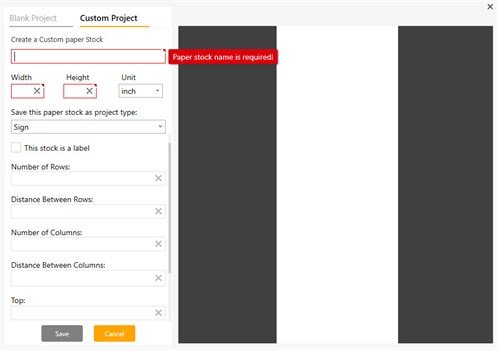
New Custom Project Window:
In this version, we have updated the custom project windows, for the ease of users. Now they can now easily create custom projects.
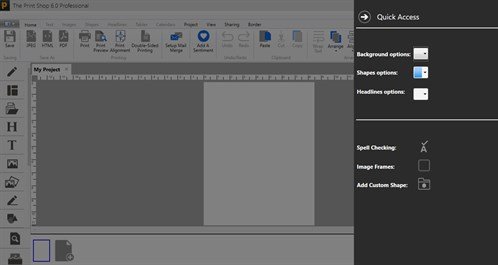
Flyout added like charms in Windows 10:
In this UI version, classic effects like flyouts are added in order to send any project by Gmail or try to open quick access.
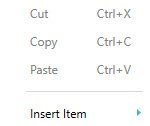
Flat Context menu:
UI improved context menu is added in this version, it is totally changed from the previous menu because icons are neat and in good pixels.
Flat hovers tools:
Hover tools are flat and give windows 10 UI feel.