Right-Click Tools
The Print Shop 4.0 provides easy access to commonly used tools, simply right-click on the design desk to insert obects into your project, or right-click on an object to modify that item.
Insert an Object using the Right-Click Menu
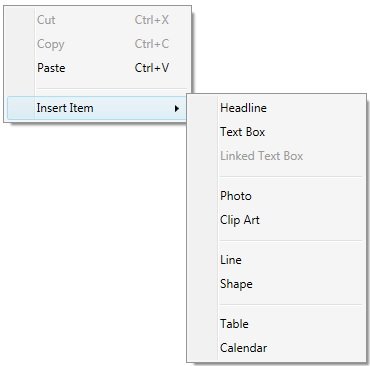
Notice you can easily insert objects into your project by simply inserting these items from the right-click menu. Right-Click on any blank area within the design desk, and insert an item into your project.
Edit an Object using the Right-Click Menu
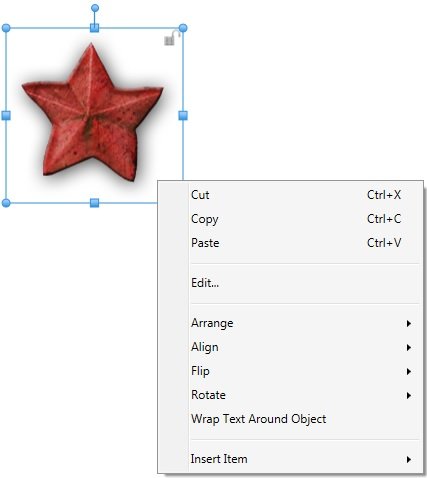
Also, the right-click menu provides you with additional features for Images and Shapes. Select and right-click on an object to access features that you can use to edit that item.