Sort Contacts
The Print Shop 4.0 includes a new feature to help sort and organize the Contacts in your Address Book. If you decide to print or export the address book, the sort order will still be enforced.
Sort Contacts
To Sort your Contacts via the Address Book:
- Launch The Print Shop 4.0
- Proceed to the Address Book feature within the Sharing tab.
- Select a Contact Group (i.e. All Contacts)
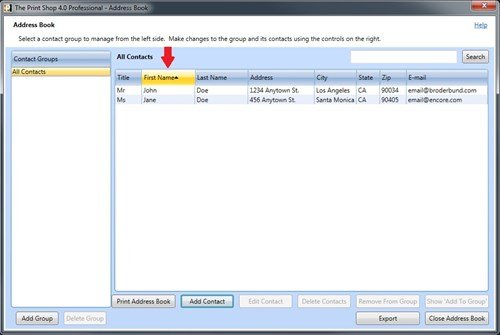
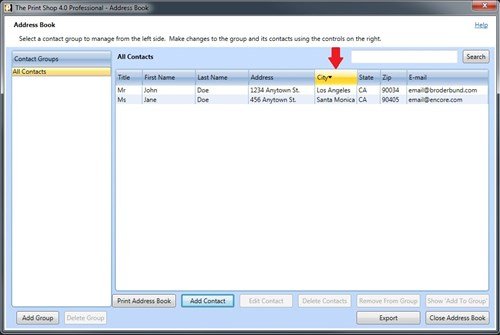
- Notice the data for each Contact is organized into various columns
- Edit the Sort Order by clicking on the header of that column (i.e. First Name, City)