Selecting a Ready-Made Project
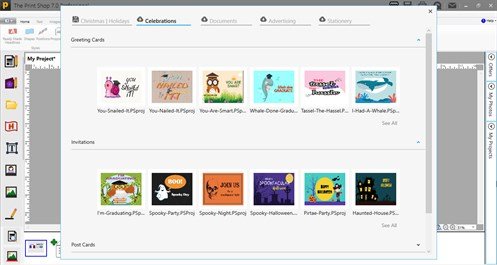
The Project Gallery contains thousands of Ready-Made Layouts for projects that you can modify or print as is. The Project Gallery displays when you want to create a project from a Ready-Made Layout. You can also save your own modified projects and open projects in the Project Gallery.
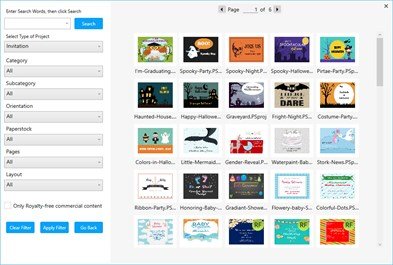
To use the Project Gallery you will select a Project Category from the New Project Wizard.
Once you are in the Project Gallery there are several options available to you:
- Change the category of the project you are working on by using the project type drop down menu.
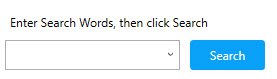
- Filter the projects by entering words into the search, such as Birthday, Wedding, Anniversary
or by using the "Filtering Options" drop down menu. Select your options for each field and click on "Apply Filter". Notice the filter options are improved for The Print Shop 7.0
- Use the page turner to view more projects that match your search criteria.
- In the Professional Edition of The Print Shop 7.0, you can create ready-made projects using royalty-free commercial content.

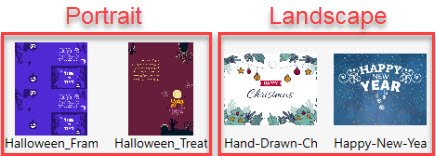
- While browsing the Project Gallery, notice the thumbnail for each project is displayed in their respective orientation. Now you can easily locate a project template using either 'Portrait' or 'Landscape' layout styles.