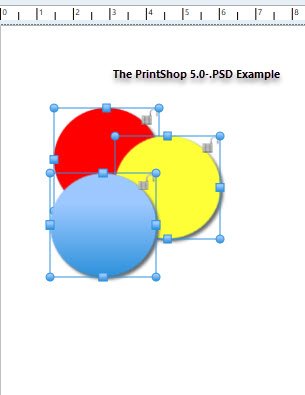
Import Individual Layers from Photoshop
The Professional edition of The Print Shop 5.0 allows you to import images from a .PSD file. A .PSD is a file format created with Adobe Photoshop, and usually contains individual layers. Now you can access these layers by simply importing your .PSD file.
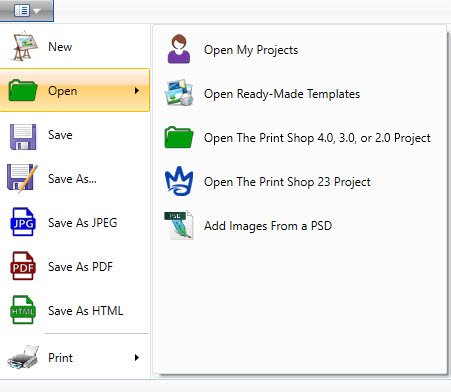
To import a .PSD file into The Print Shop 5.0 Professional, click on the File Menu.

Scroll down to Open and select Add Images from a PSD.
Notice the file will open with accessiblity to the layers applied in the .PSD document.