
Preferences Menu
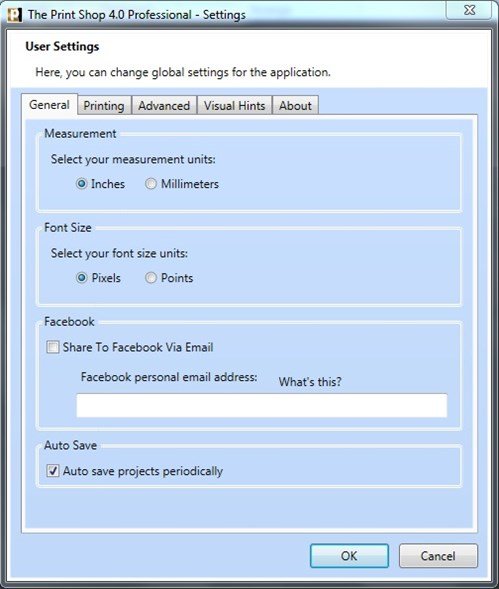
Inside The Print Shop Preferences you can set your default unit of measurement, add your Facebook® e-mail address and view the version number of The Print Shop you are using.
General Tab
On this tab you can select the default unit of measurement. Your choices are between Inches and Millimeters. Selecting one or the other will affect a variety of tools across the program including the rulers to display the new unit of measurement.
You can also set your Facebook e-mail address by typing it into this tab.
Printing Tab
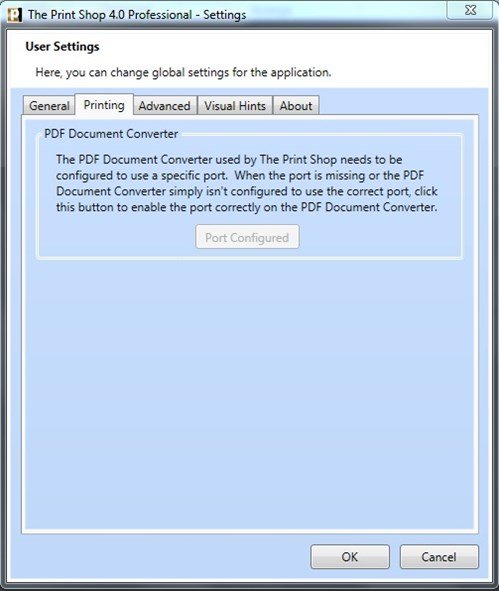
On this tab you can select a specific port to enable the PDF Document Converter.
Advanced Tab
This tab is for logging purposes. By setting logging to a higher level you will be able to send a report to the Encore Support Teams which will tell them what you were working on or trying to do when something went wrong. This will allow our support representatives to try to do what you did here and see if they can figure out what went wrong.
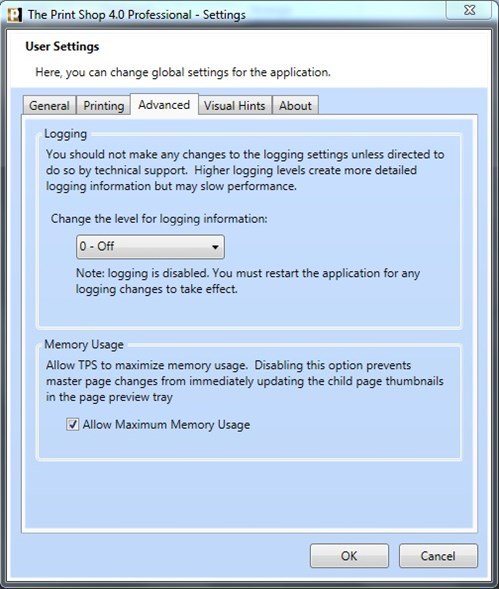
If you want logging to be turned on, or are asked by a support representative to turn it on, go to this tab and set logging to level 6 - Verbose.
About Tab
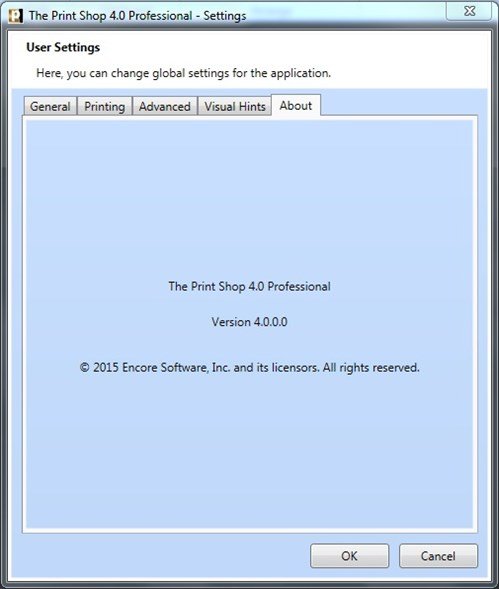
This tab gives you the version information on The Print Shop 3.0. As Encore releases patches, the version number will change from 3.0.0.0 which is what it is at the time of writing this manual to something higher such as 3.0.1.0.
or